In Threads, we retain all feedback data associated with an inactive / former employee profile for the life of. your account.
Employees can provide feedback for inactive / former employees within the give feedback modal by simply beginning to type their name. Inactive / former employees will remain accessible within the modal for 90 days after being moved to inactive / former.
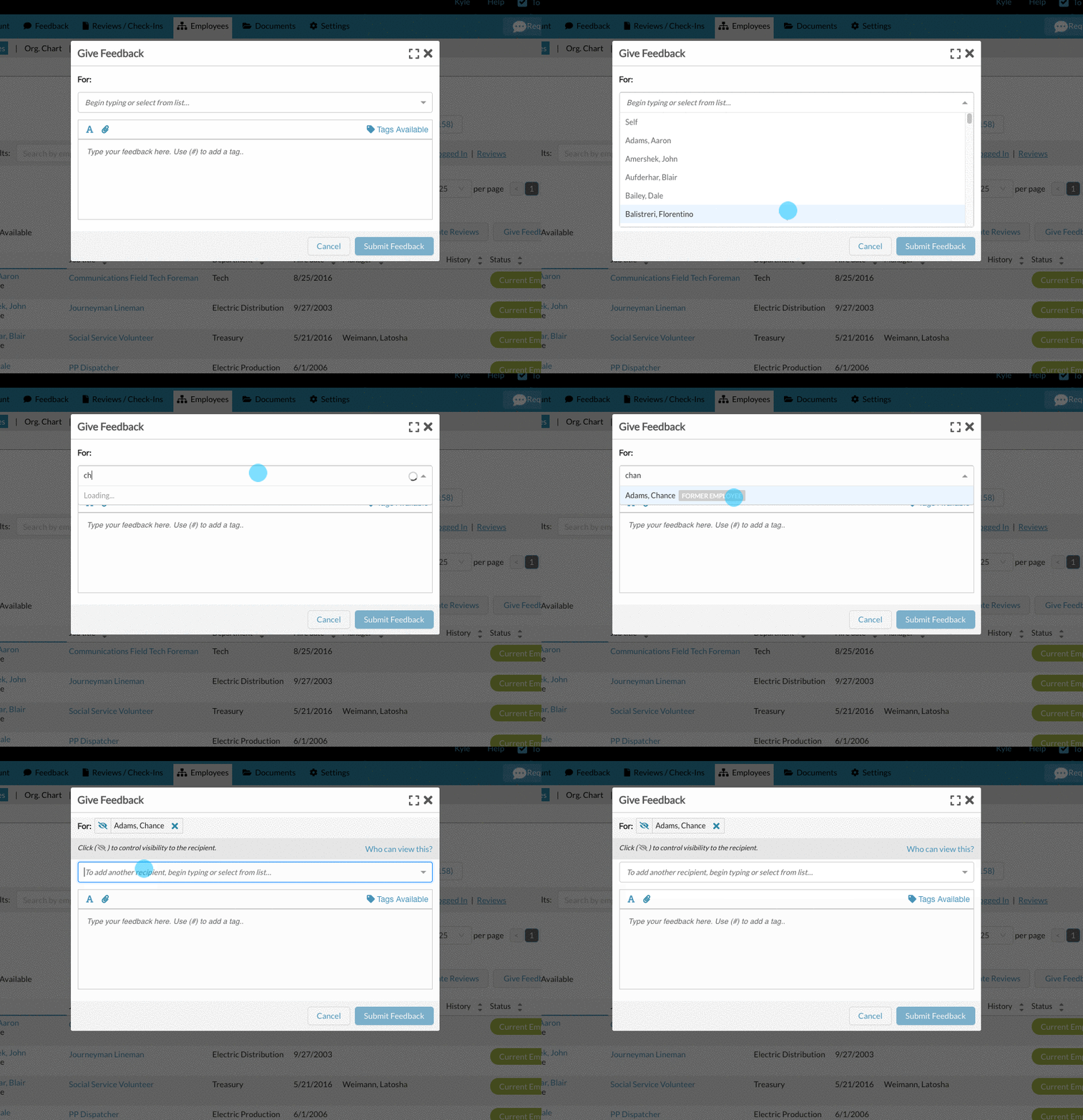
After 90 days, admins and managers of inactive / former employees can still give feedback to those employees. However, they need to go to that employees profile to do so. Simply open the inactive / former employee's profile and click "Give Feedback" on the bottom left.

For additional questions about inactive / former employees, check out:
Reactivate an inactive / former employee (Return from leave / Rehire)
Remove / Delete an Employee or Manager (Inactive and Former)
0 Comments