Below you will find all the steps needed to create and complete a review.
- First, you need to Create a Review(s)
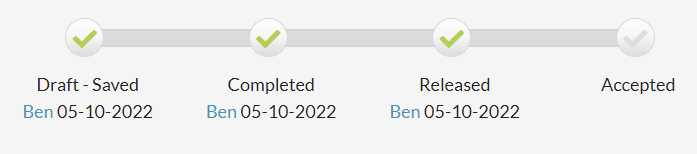
- Once that is done, either yourself or the manager of the employee will then Complete the Review
- Next, you or the manager will need to Release the review so the employee can view the scores
- The final step is for the employee to Accept the Review (you or their manager can also accept the review on their behalf)
Each review has a progress bar at the top that shows the steps and when they were taken.
To see what types of email notifications are sent out about reviews, go to Email Notifications / Review Emails / Comment Emails
0 Comments