As an admin user, to create a new job description, go to "Documents" in the main navigation and select “Job Descriptions” within the sub navigation. Once there, select the blue button called “Add New”.
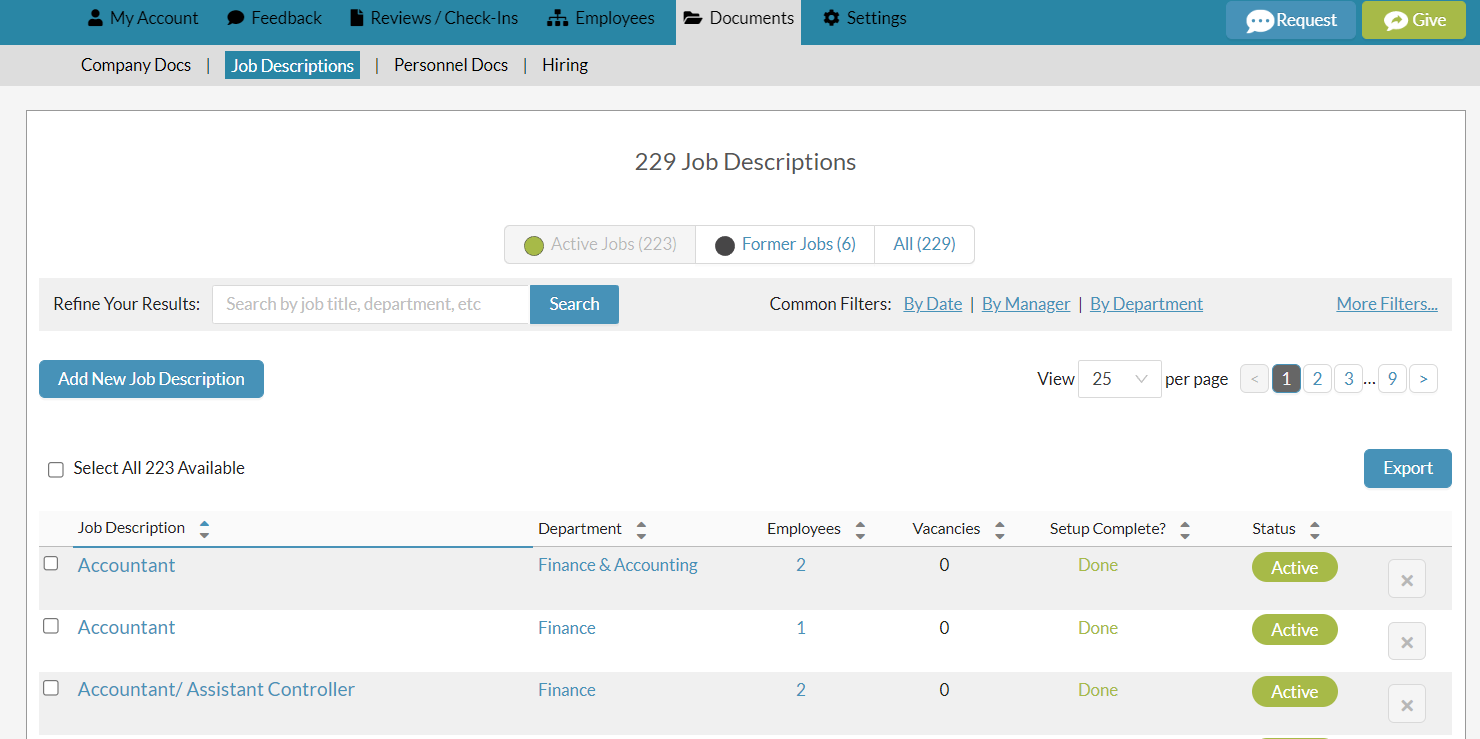
The “Add New Job Description” form will open.
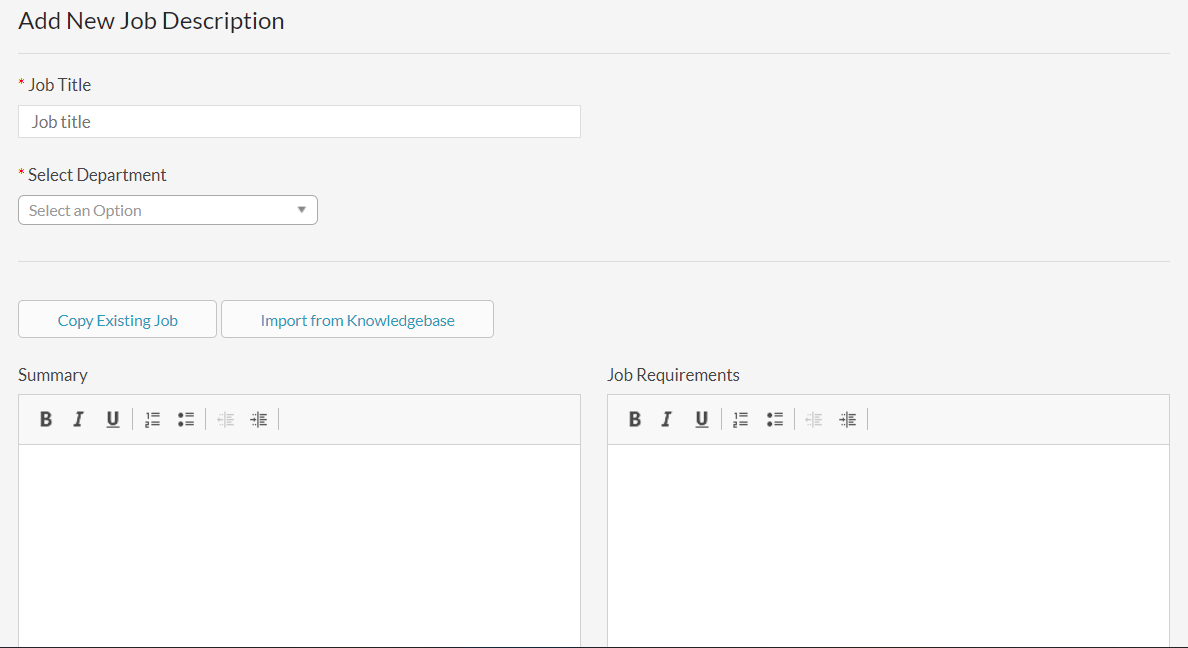
Complete the Job Title and select the department. (If the department has not been created yet, go to the “Departments” page under the “List” main navigation and select “Add New” to create the new department and then return to the “Add New Job Description” form).

There are three ways to populate a new job description. You can
1. Copy from an existing job description
2. Import a job description template from the Threads Knowledgebase or
3. Start from scratch by manually entering all the fields within the job description form.

You can also mix and match components from any of these three ways to populate your new job description.
Copy Existing Job
When selecting the “Copy Existing Job” button, the “Copy Details From Existing Job” modal allows you to choose any existing job description you have already created in Threads. Select the Department followed by the Job Title you would like to copy.
You can then pick which parts of the job description details to import into the new one. After selecting “Copy” those sections will populate into the new job description form you are populating. You can edit and refine the copied information to fit your new job description.
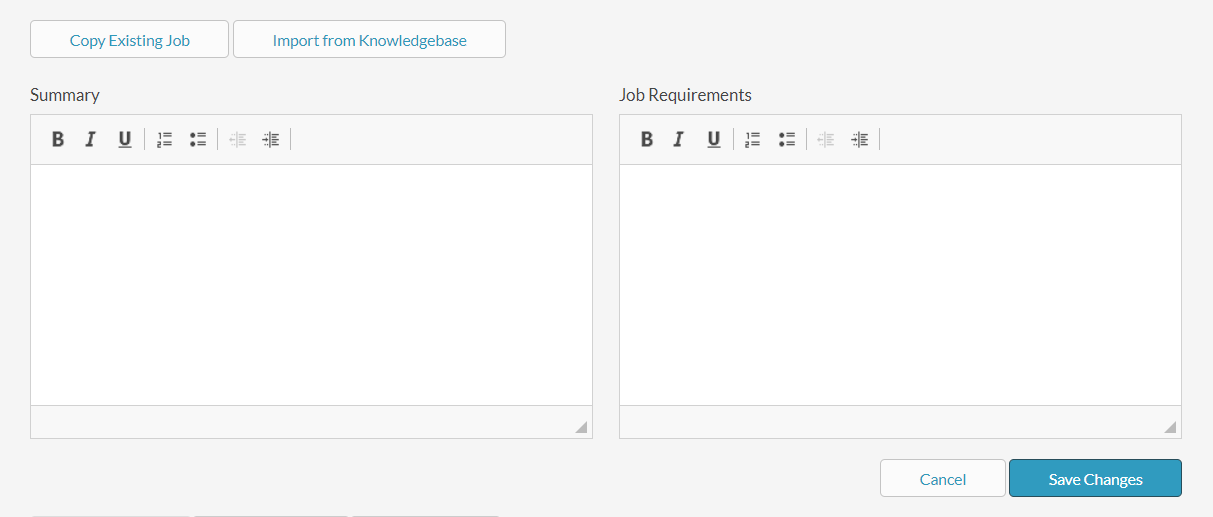
When you are done, click “Save Changes” and your new job description will be created and added to the Job Descriptions list.

Import From Knowledgebase
When selecting “Import from Knowledgebase” button, the “Import Job Details From Knowledgebase” modal allows you to choose any job description template to copy from the Threads Knowledgebase. Select an Industry and then a Job Title you would like to copy.
1. The Industry titled “1 - General Job Descriptions” includes job titles that could apply to any industry (ex - Admin Assistant, Sales Rep, CEO, etc.).
2. The other Industries on the pick list include job descriptions that are customized for that industry (ex - “Manufacturing” has Equipment Operator, Welder, etc.).
3. If you don’t see the job title you need, submit a request to Threads and we will add your requested job title to the Job Descriptions Knowledgebase with our weekly upload.

You can then pick which parts of the job description details to import into the new one. After selecting “Copy” those sections will populate into the new job description form you are populating. You can edit and refine the copied information to fit your new job description.
When you are done, click “Save Changes” and your new job description will be created and added to the Job Descriptions list.
Start From Scratch
Job Description “Summary” appears at the top of the printed job description and should include items like the position summary, reporting, FLSA status, etc.
The “Job Requirements” appears at the bottom of the job description after the Key Responsibilities and Core Values and should include items like education / experience requirements, physical requirements, work environment, etc.
The text editor allows you to format your content that you have created or cut / pasted into these fields.
There are three tabs within the job description form: “Review Criteria”, “Interview Criteria” and “Interview Events”. Only "Review Criteria" is required.

Review Criteria
The “Review Criteria” tab allows you to set the results that employees within this job will be measured against in their reviews. The Review Criteria will also show up as “Key Responsibilities” on the printed Job Description, ensuring each employee’s Job Description and Review documents are consistent.
Each Criteria Title has a weighted percentage associated with it that you can adjust as you see fit. Just make sure all “Review Criteria” total to 100%. You can add or remove both Criteria sections and components.

Interview Criteria (Optional)
The “Interview Criteria” tab allows you to set the results that employees interviewing or applying for this job will be measured against in their interviews. Data entered under the “Interview Criteria” tab will be associated with this job title, but will only be used for the Interview Forms in Threads.
Each Interview Criteria Title has a weighted percentage associated with it that you can adjust as you see fit. Just make sure all “Interview Criteria” total to 100%. You can add or remove both Criteria sections and components.

Interview Events (Optional)
The “Interview Events” tab allows you to set the title and number of interview events required to hire someone new into this Job Title. Setting Interview Events will allow you to assign and track which employees conducted each stage of the interview process for each applicant. You can add or remove event types, but you must have at least three.

Once you are done, select the blue button “Save Changes” at the bottom of the job description form. When the save is successful, the job description form will load with the following success message at the top.

To assign this new job description to an existing employee within Threads, please read: Unfollow Assigning A New Job Description / Changing A Job Title / Changing A Manager
To add a new employee into Threads to then assign this job description to, please read: Create / Add A New Employee (Or Manager)


2 Comments