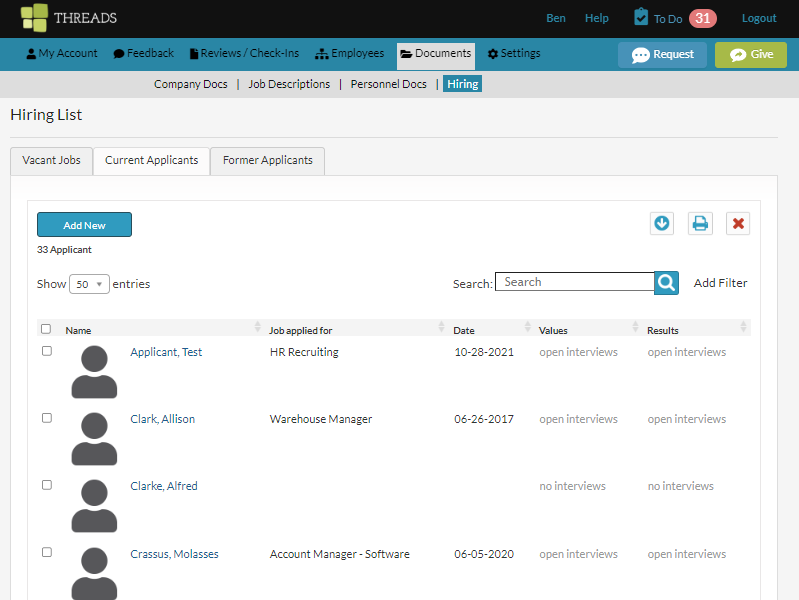
As an admin user, to create a new applicant, go to "Documents" in the main navigation and select "Hiring" from the sub navigation. Select the “Current Applicants” tab and select the “Add New” button.
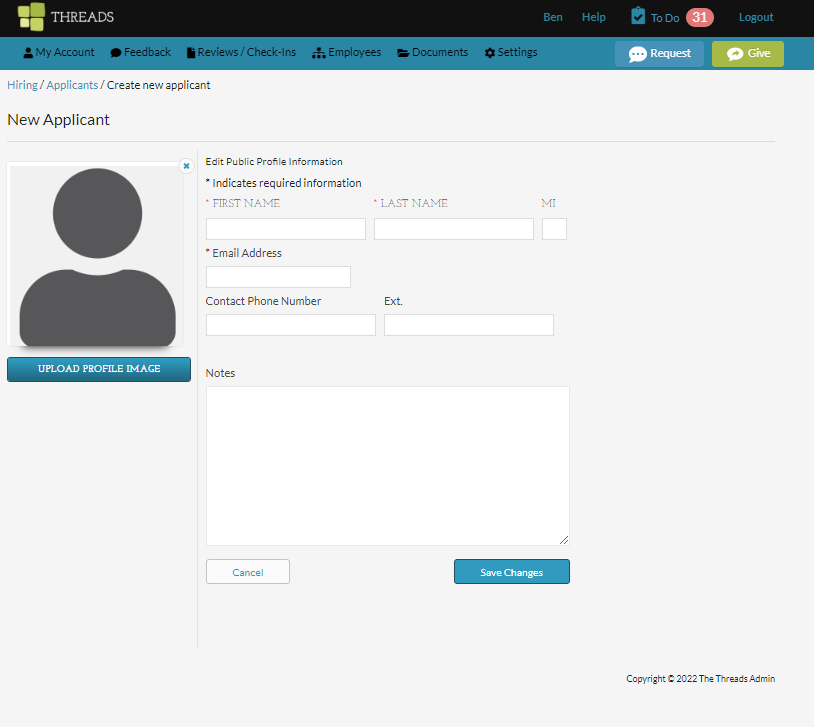
Review the article called "Hire for a Vacant Position / Job" for more information on adding the applicant.
0 Comments