As a manager user in Threads, you have the ability to update your personal email notifications.
Go to "My Account", and then select "Email Notifications".
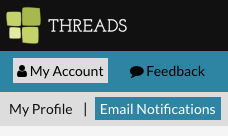
Once there, you can modify a few items.
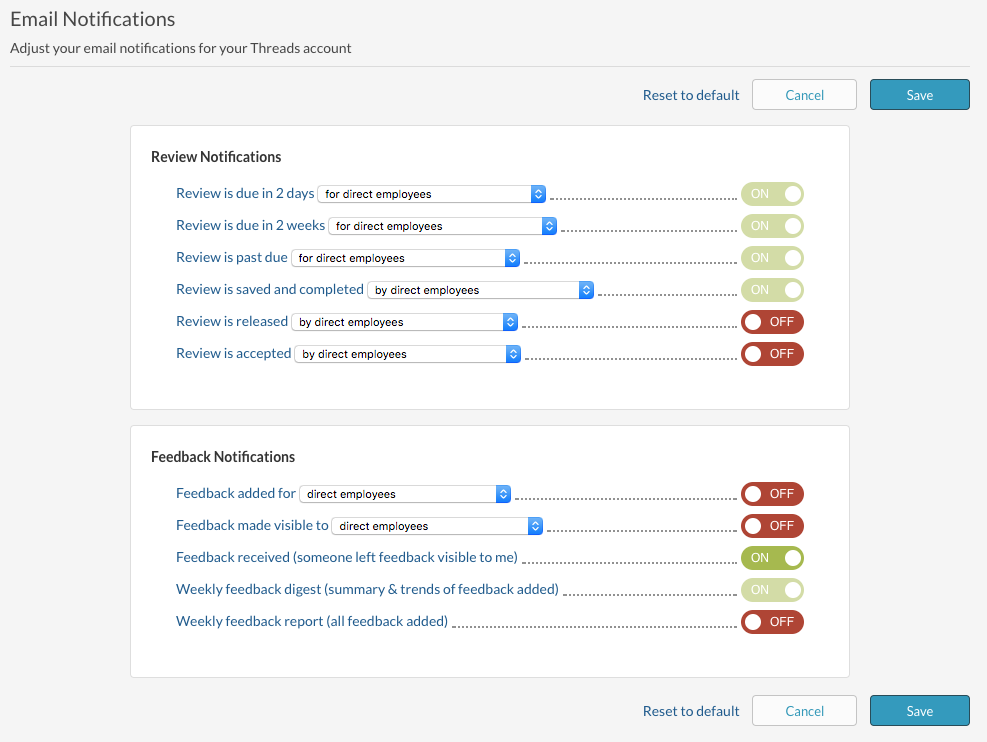
Click on any notification name to see an example of the email.
Use the drop down to pick which employee group you want to receive notifications about.

Make sure to select "Save" after making any changes.
If an email is not visible on the list or if an email is not able to be turned off, that may be because of a setting at the company level. To modify any company wide, contact your internal Admin user.
Also see:
0 Comments