Users can attach feedback tags when giving feedback.

When the give feedback modal is open, there are two ways to attach a tag.
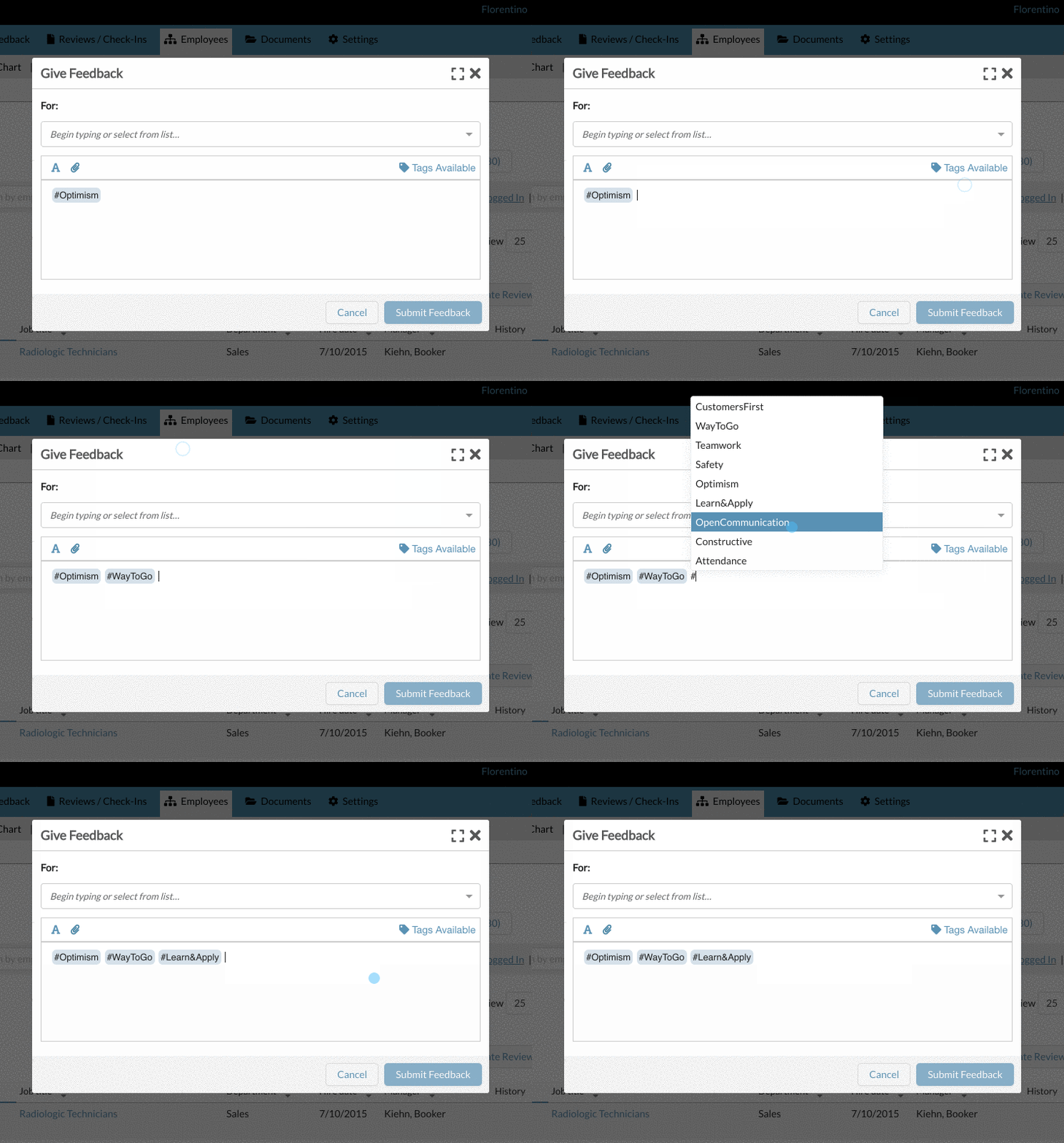
The first way is to simply type "#" within the feedback text area. Typing the hashtag opens a picker above for the user to select an available tag.
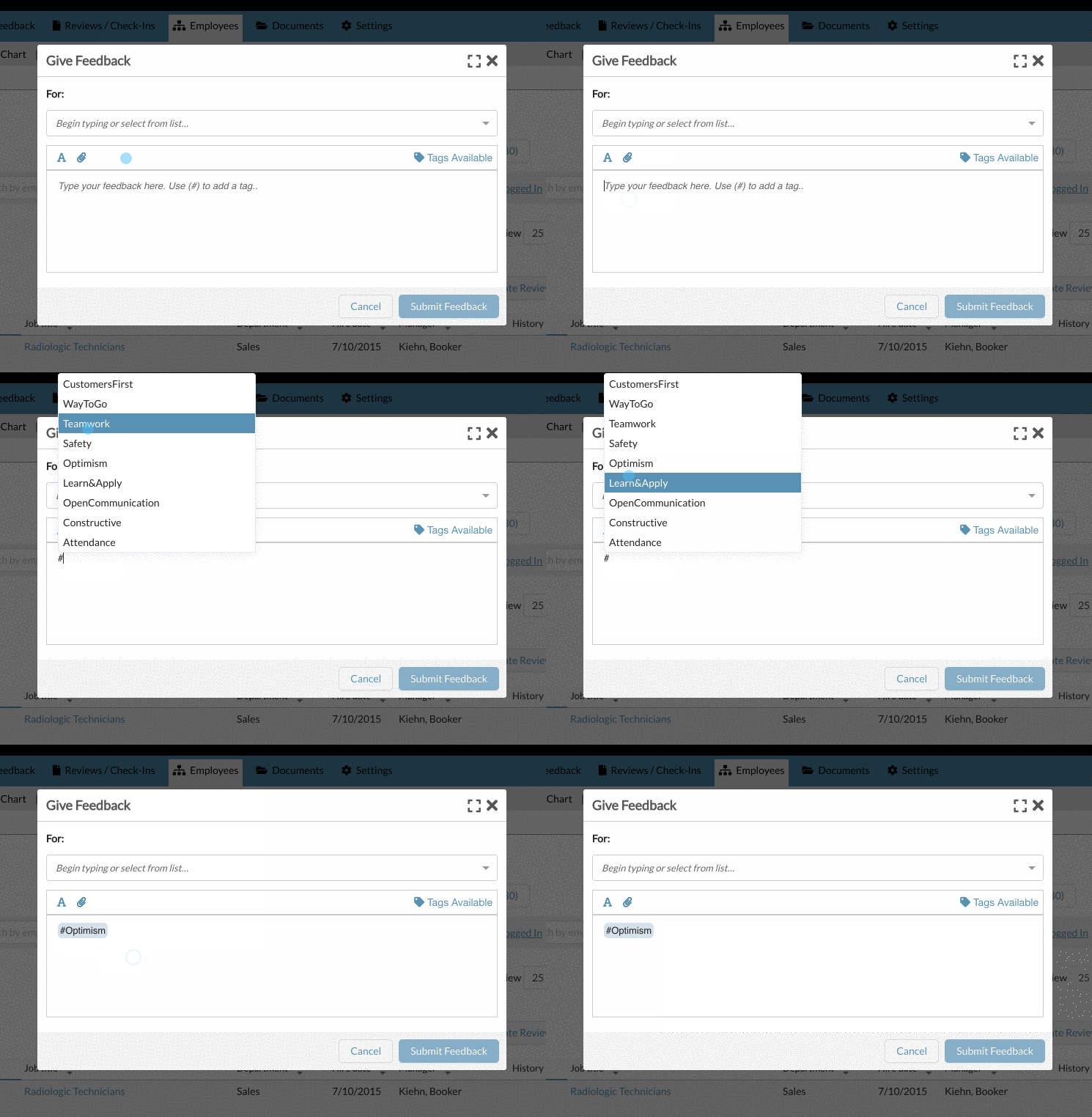
The second way to attach a tag is to click on the "Tags Available" link above the feedback text entry area.
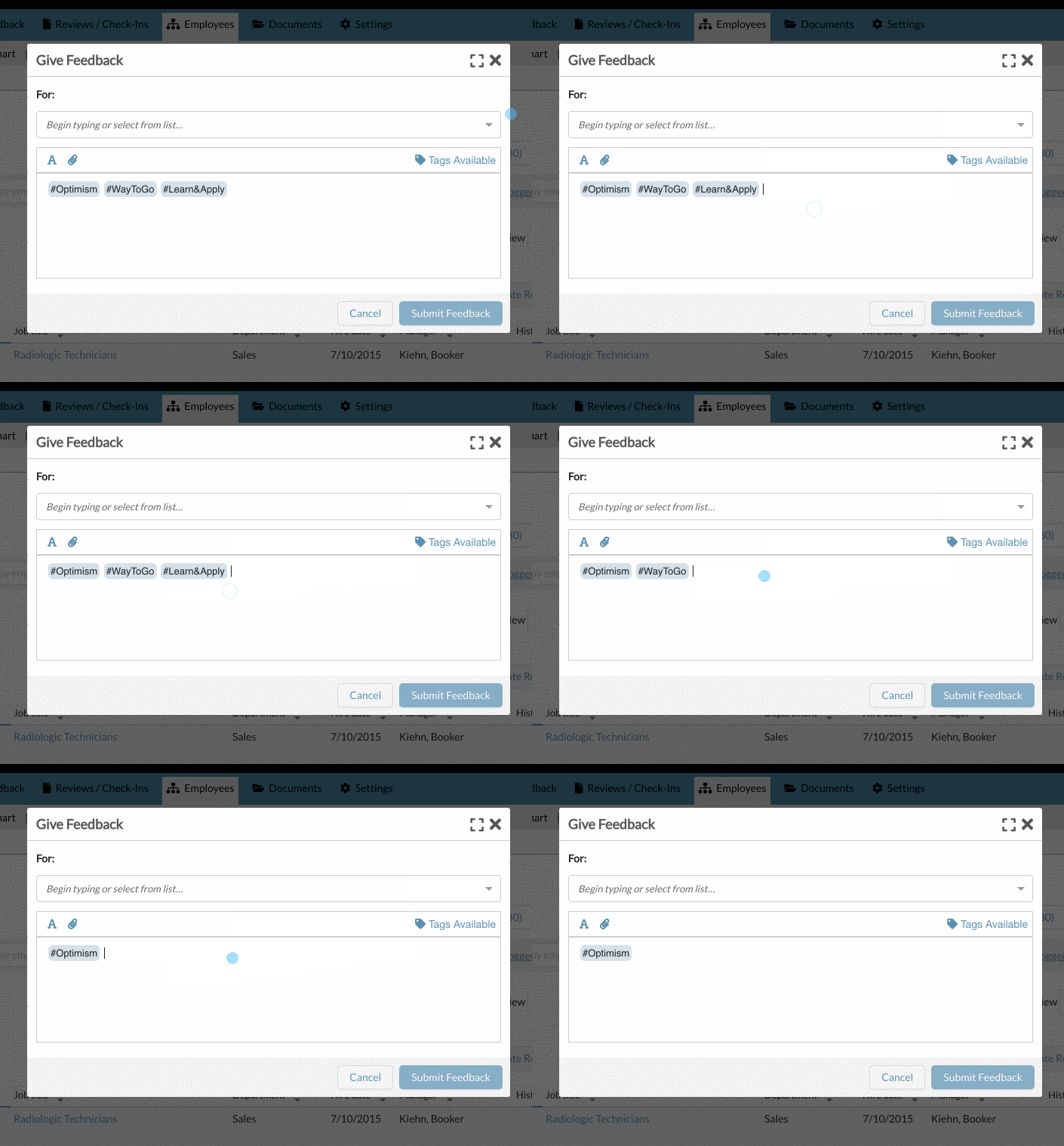
To remove a tag, simply use the delete or backspace on your keyboard.
As an admin, you can customize which tags are available to users within your organization.
0 Comments