As an admin, you can customize which feedback tags are available to your team.
Go to "Feedback" within the main navigation.

Then click on "Feedback Settings".
Once there, you can add or remove tags. *Note: Core value tags are not removable. These tags are populated by your core values within your company settings.

If a tag is removed, but has been used in the past, you can still find this tag within the All Feedback filter area when searching through feedback. Just click on the filter panel to expand.

Then select "Tags".
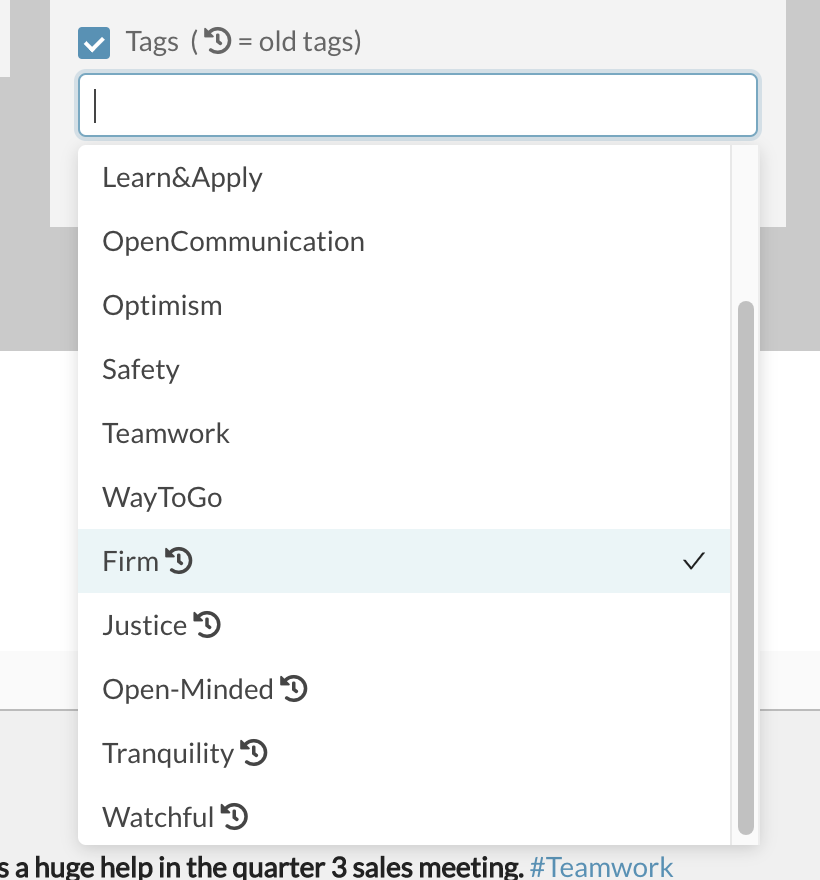
All previously used tags appear with the icon after them, allowing you to search through the feedback list for current or previously used tags.
0 Comments