To Edit a self check in, go to "Reviews / Check-Ins" within the navigation, and then click on "Check-Ins" in the sub nav.

Then, click on the check-in name you would like to edit.

Once the check in is open, click on the "Edit" button (on desktop - top right)...

... on mobile, the edit button will be on the bottom right.
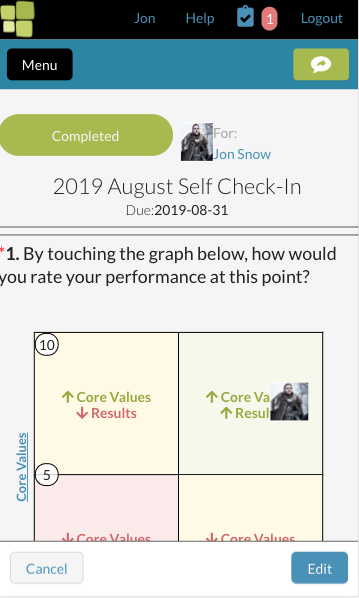
The check-in form will now be editable. You can find more details on how to complete a self check-in here.
If there is a lock icon next to your check in name, that means you can no longer edit or complete the self check-in. Contact your administrator for them to re-open the collection your check-in belongs to.

0 Comments