You can now print the org chart.
To print the org chart as a high resolution PDF file, click the "Export" button at the top of the Employee List, select "Org Chart View" and click the "Export" button. Threads will generate the PDF for you. If you zoom in on the PDF file, all positions and departments will be clearly visible no matter how large the organization.
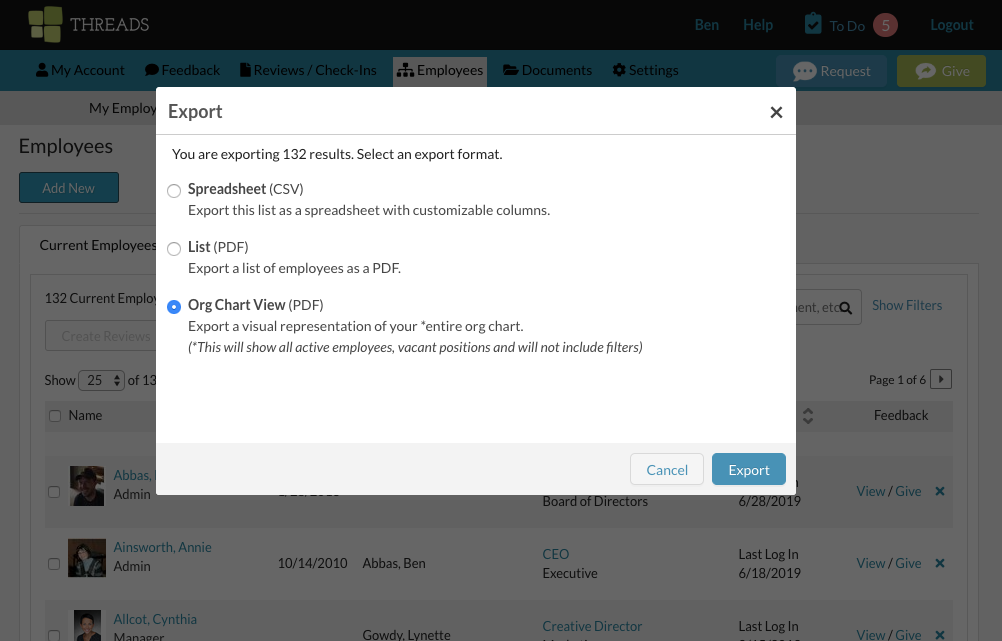
You can also print the org chart from the org chart view in the Threads software.
First, open the org chart under Employees.
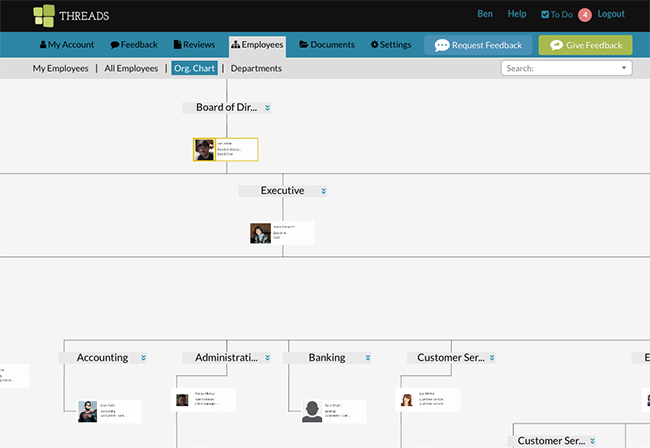
Then, on the left hand side, click on the printer icon underneath the zoom controls.

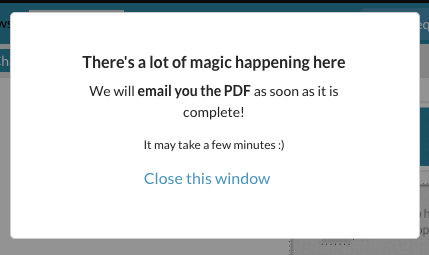
You will then receive the following prompt informing you that your PDF will be emailed to you.
0 Comments