As an admin, you can send a reminder to any author who has not responded to a request (even for those request created by other admins and managers). There are several ways to do this.
Go to "Feedback" in the main navigation and then select "Feedback Requests".

First, you can toggle to the "No Response" list and simply click "Send Reminder" on the right hand side. This will send a reminder to EVERY author who has not responded.

Second, if you only want to send certain authors reminders, click on the check box next to their name, then click the blue "Send Reminder" button.

The send reminder button will open the following modal:
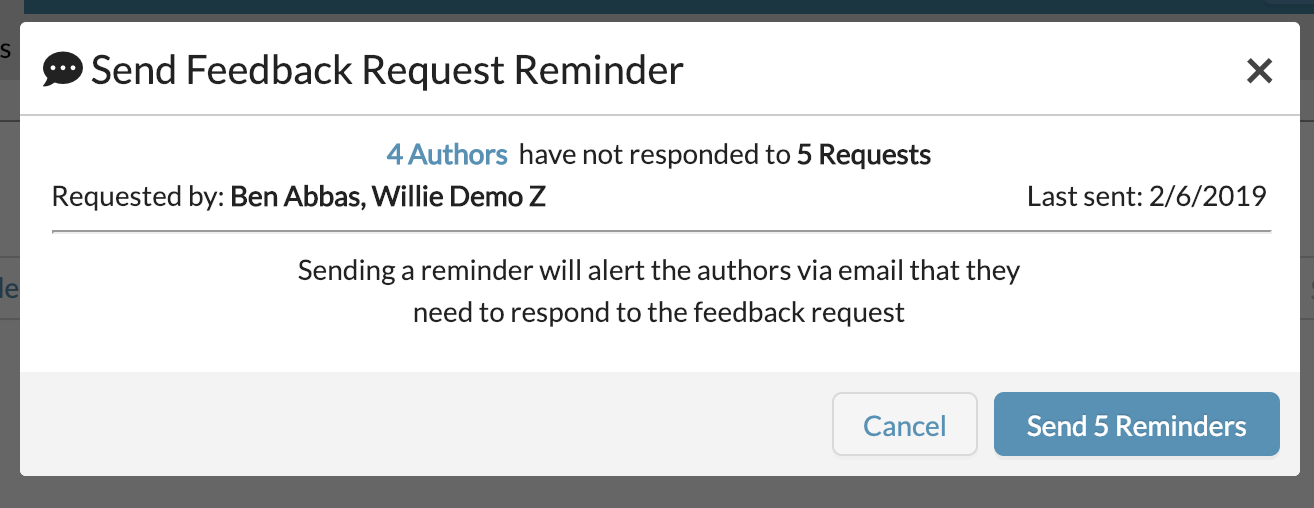
The modal shows the amount of authors who will be reminded and how many requests. Sending the reminders will email the authors per request they have not responded to.
For more help, see "How To Track Feedback Request Completion".
0 Comments