Your Threads Profile has been updated!
All of the information you previously had access to is still available. It has just been reorganized.
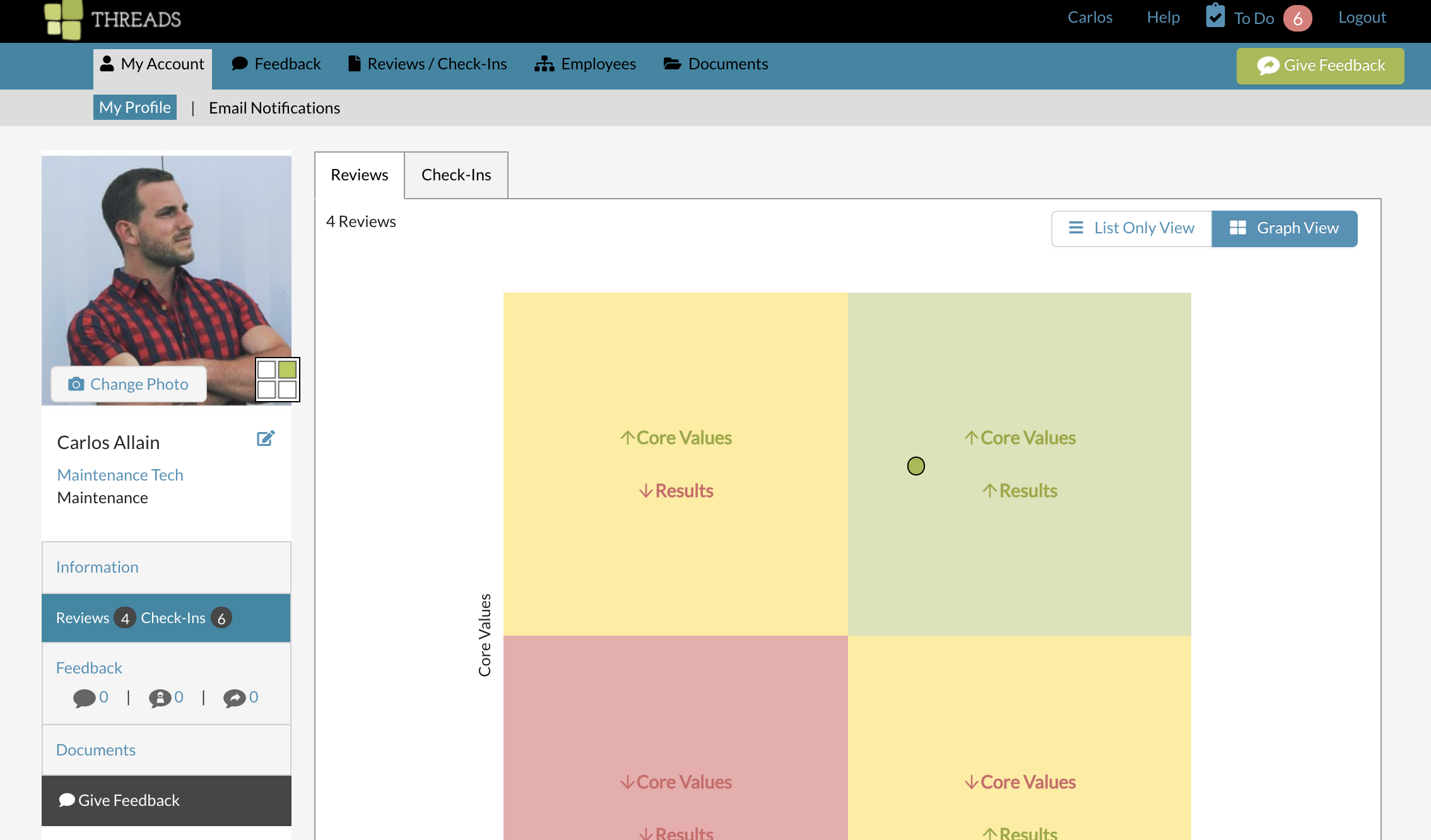
When viewing on a desktop, your profile navigation items will be on the left hand side of the screen.
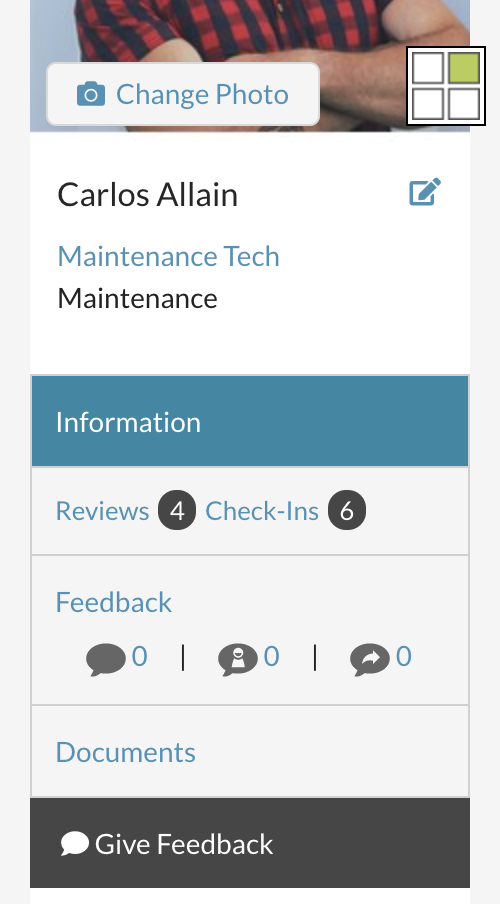
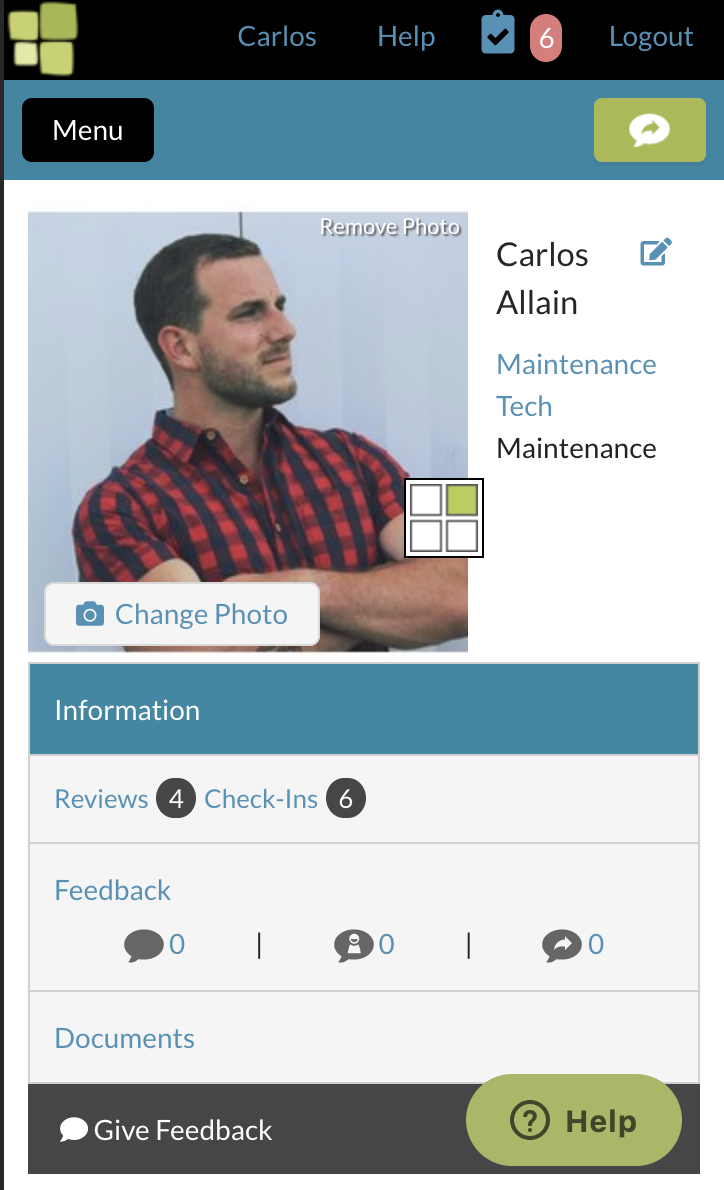
When viewing on a mobile device, your profile navigation items will be towards the top of the screen.
Information contains your email address, job title, department, manager, user role in Threads, and hire date (if applicable).

Reviews / Check-Ins contain all of your reviews and check-ins within Threads. Use the tabs at the top left to switch between reviews and check-ins. On the Review tab, you can toggle between a list view and a graph view on the top right.
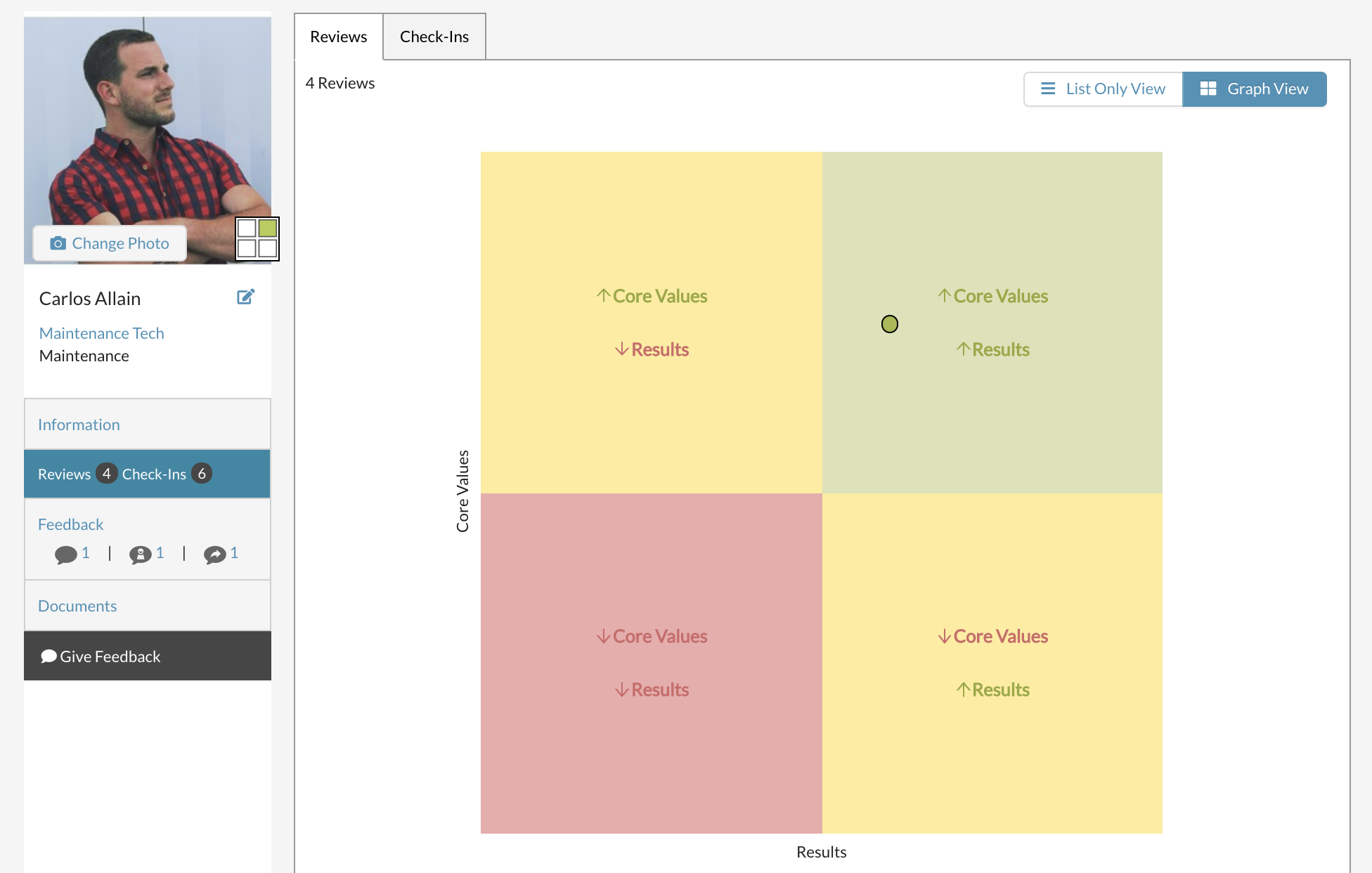
Feedback shows feedback received (that has been made visible to you), self feedback and feedback given.
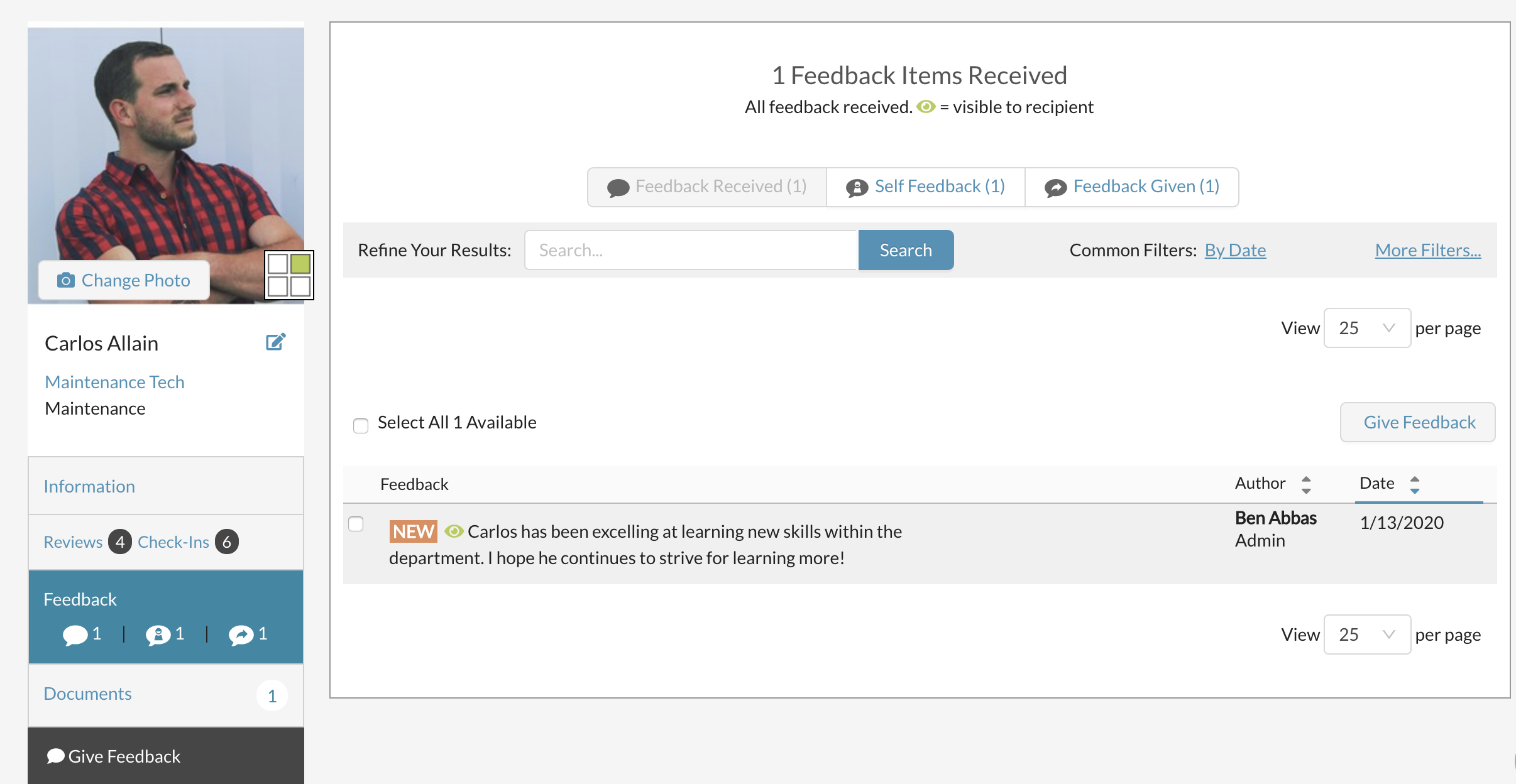
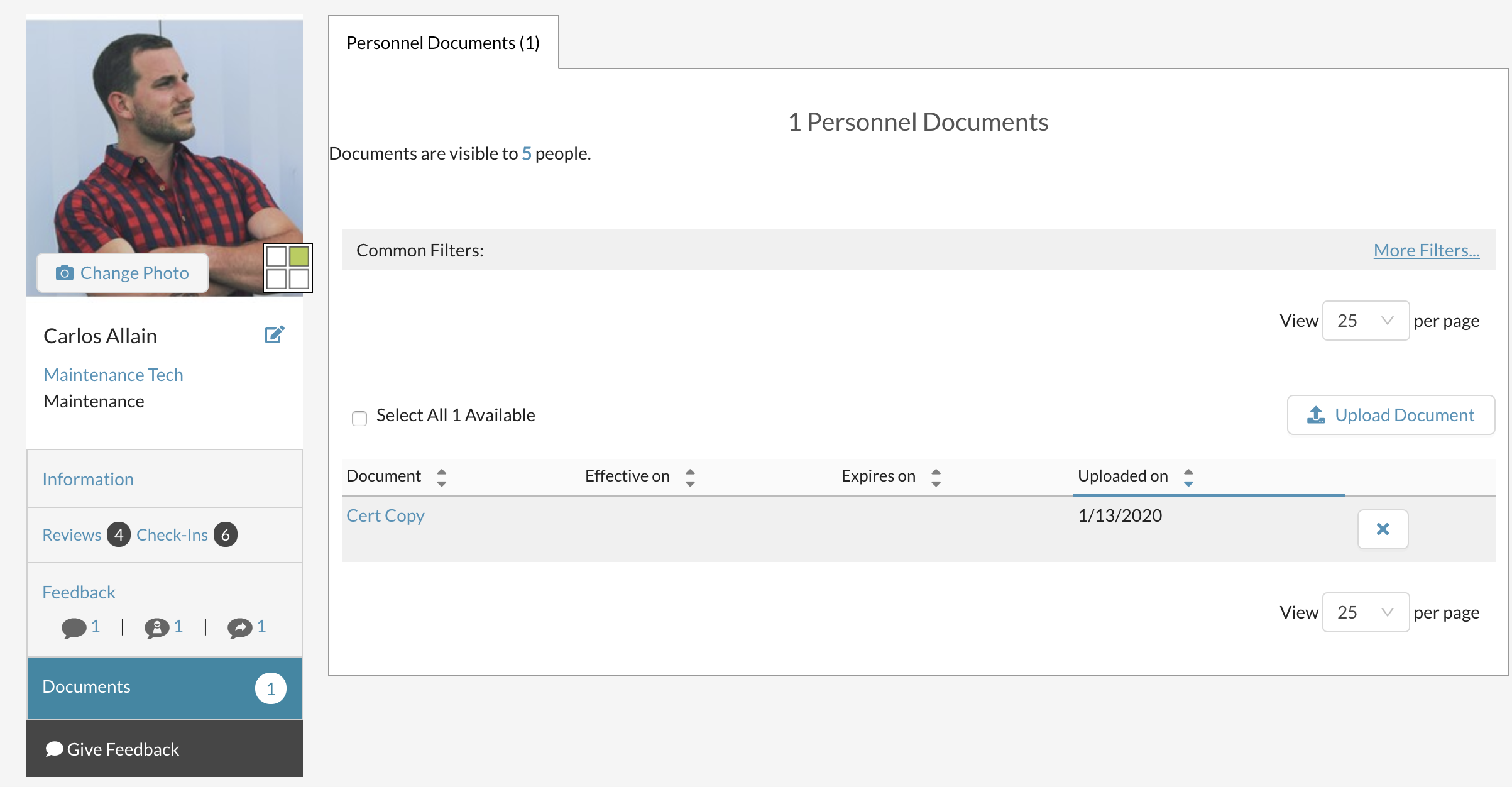
Documents show all of your personnel documents that have been uploaded by you, your manager or your admin user.
You can edit your profile by selecting the pencil icon next to your name. Here, you can change your contact information. Just make sure you select "Save Changes" when you are finished.
Or go to the information tab to update your password.


0 Comments