As an admin user, there are two ways to access employee personnel docs.
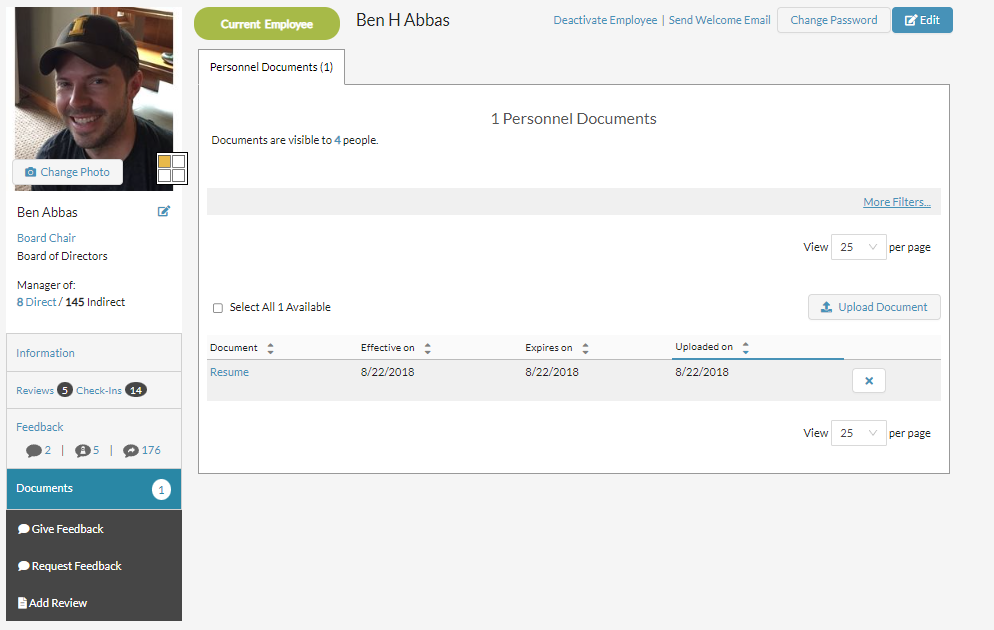
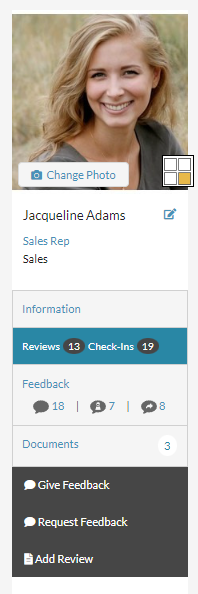
To view an individual's personnel docs, go to their profile and select "documents" on the left hand side.
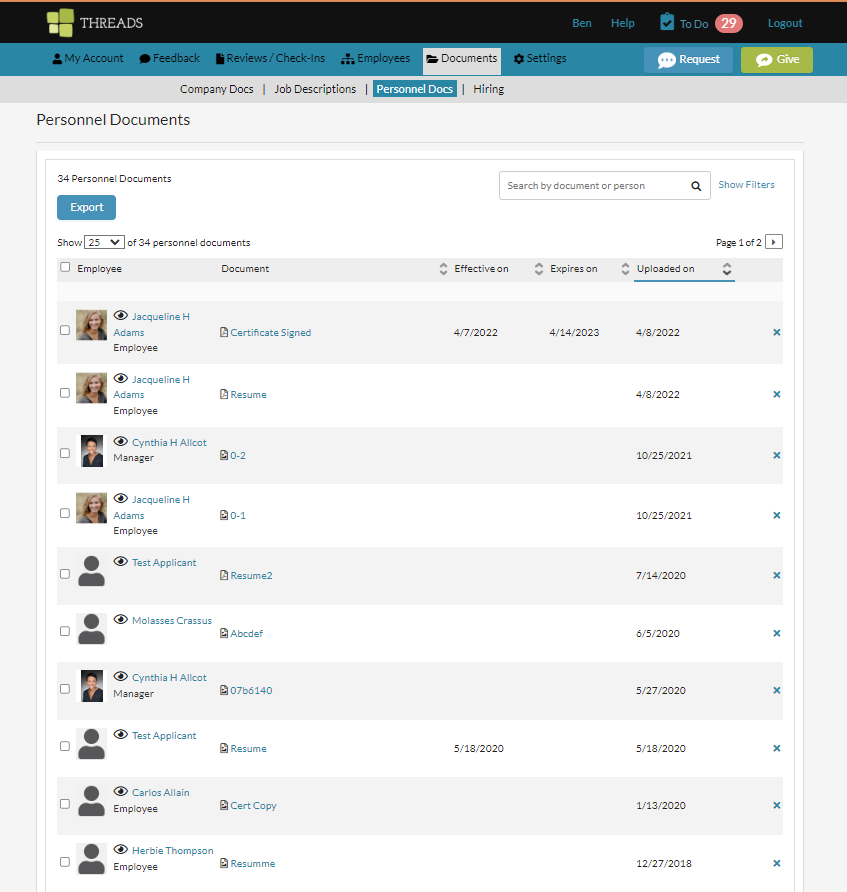
To view ALL personnel docs for your organization, click on "documents" in the main navigation and then select "personnel docs".

Once there, you will be able to view all personnel docs that have been uploaded to Threads.
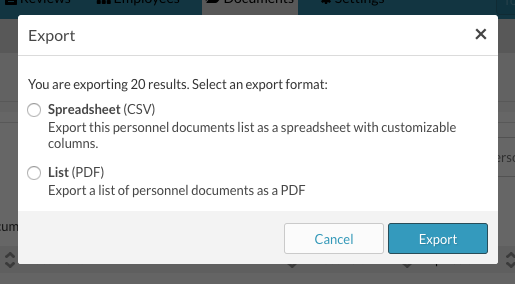
You can export the list as either a CSV or a PDF.
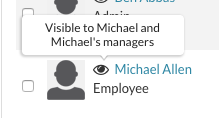
You can view who can see the documents by hovering over the eyeball.
To add a personnel document, go to the employee profile and select the "Documents" tab.
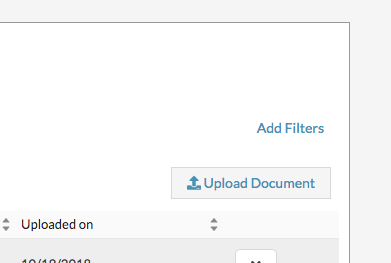
Then select, "Upload a Document". Remember, the employee will see any documents you upload to the personnel docs section of their profile.
Have questions? Email us at support@threadsculture.com
0 Comments