You can export job descriptions in several formats.
To export one or more job descriptions as a PDF, first, go to the job descriptions list underneath the "Documents" section

Once there, select all, and then click "Export". You can then choose the option "Job Descriptions (PDF)" to get a single PDF with all job descriptions included.
NOTE: You will only see the results section for the job descriptions that are assigned to one of your direct or indirect employees.
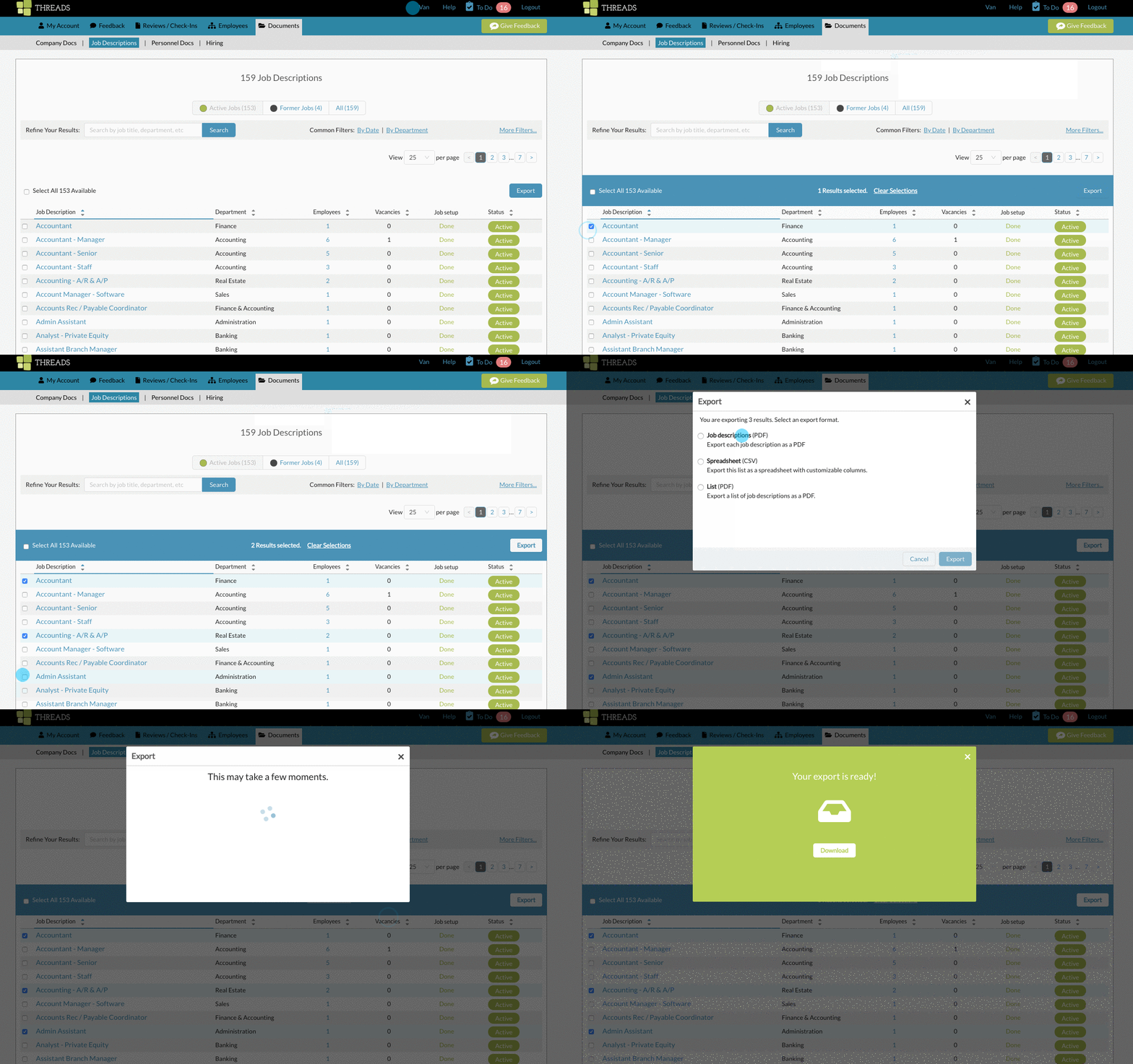
To get a csv, follow the same steps as above, except choose "Spreadsheet (CSV)"
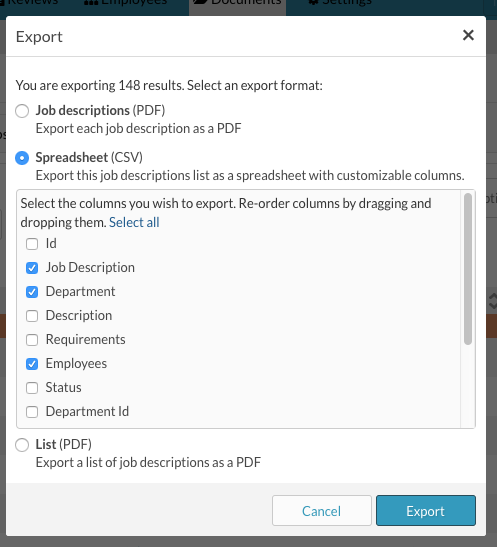
You can then pick and choose which fields you would like included in your export.
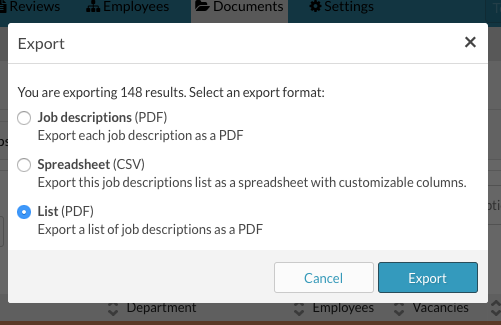
If you would just like the Job Description list itself export, click "List (PDF)" from the export panel.
0 Comments