As an employee, the last step in completing your review is to accept it. Managers can also accept your review on your behalf.
Once the review has been released to you by your manager, you will receive an email alerting you that it is ready for you to review and accept.
Make sure you sit down and discuss your review with your manager before accepting!
When you are ready to accept the review, go to the review. You can do this by selecting “My Account” from the main navigation and scrolling down to the "Reviews" tab on the left hand side of your profile.
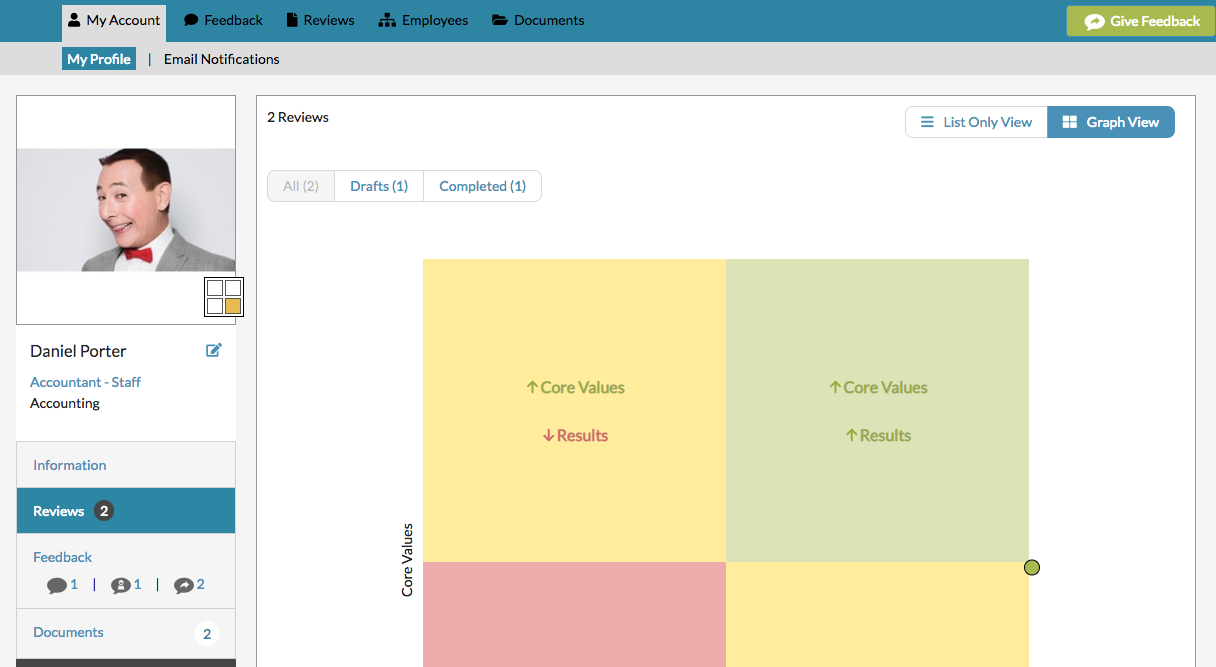
Make sure “All” is selected at the top.

Then scroll down to see all of your reviews.
Select the review that has been Completed: Released.

Once the review opens, click on the "Accept" button.

You can add any comments to the acceptance in the text box.

CONGRATS! The review is now COMPLETE!
If you accidentally accepted it, you need to ask an admin user to "un-accept" the review for you.
0 Comments