If you have forgotten your password, go to https://login.ourthreads.com/ and select the green link that says "Forgot Password?".
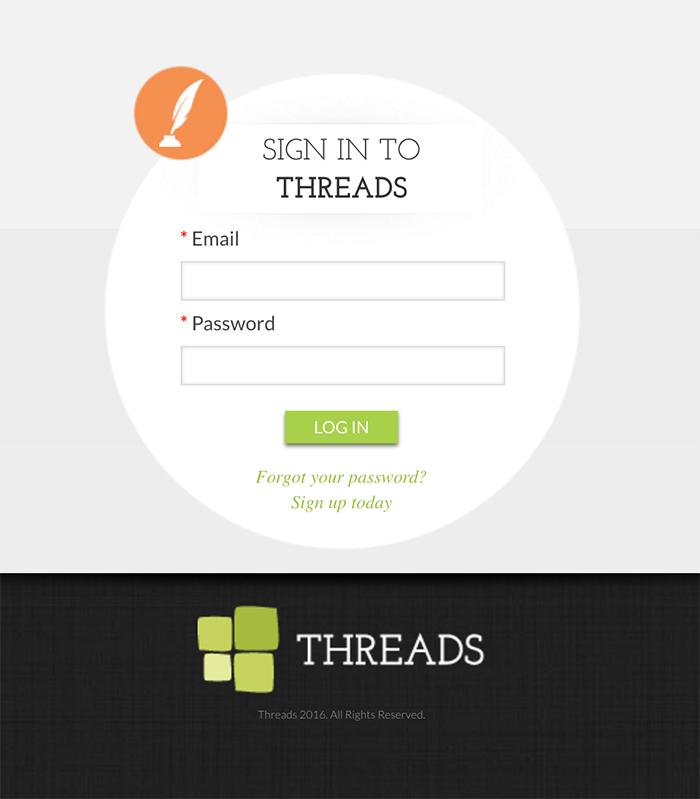
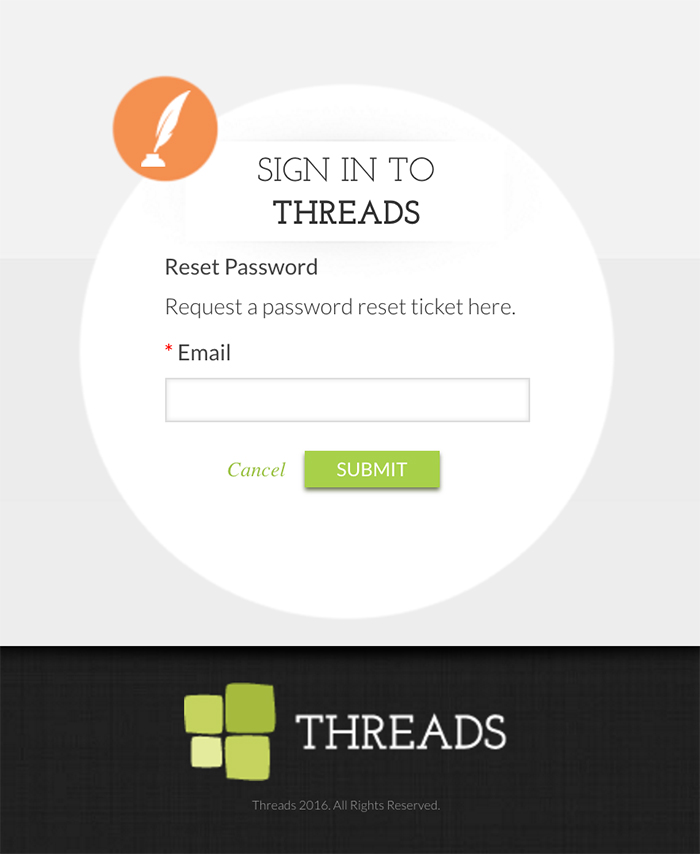
You will then be asked to enter your email address to have a password reset link emailed to you.
If you know your password but just want to update it, log in to Threads and do the following:
After you log in, click on "My Account" in the main navigation. After your profile loads,
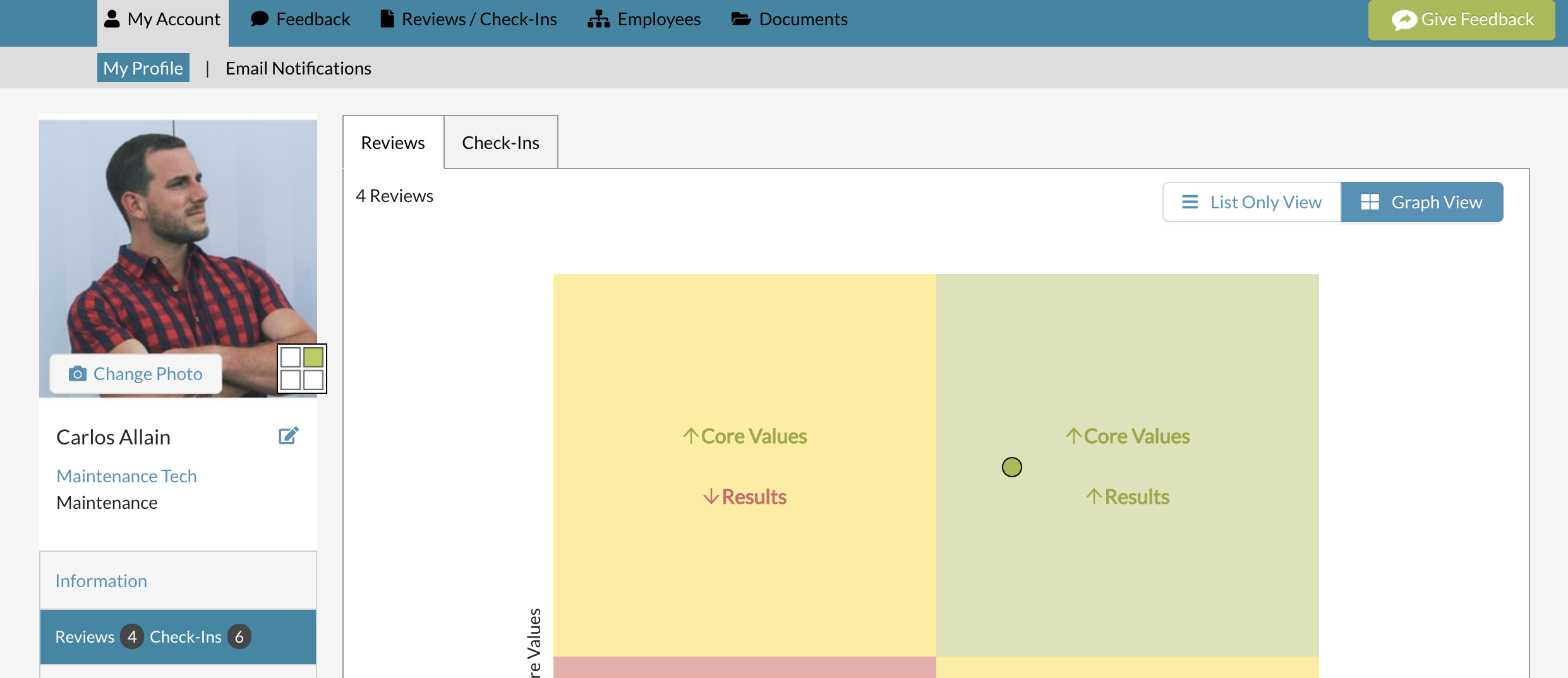
click on "Information" within the left side navigation

Then click on the "Change Password" button on the top right.

You will then be able to update your password. Make sure to hit the blue button "Change Password" to save.

0 Comments