As an admin user, go to "Employees" in the main navigation and then select “Departments” within the sub navigation.
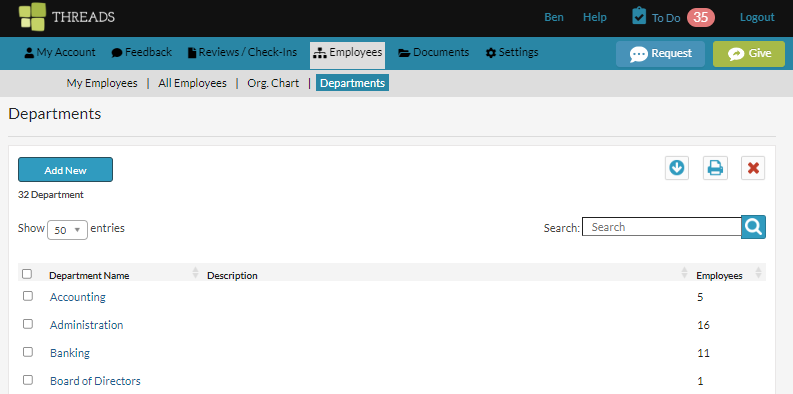
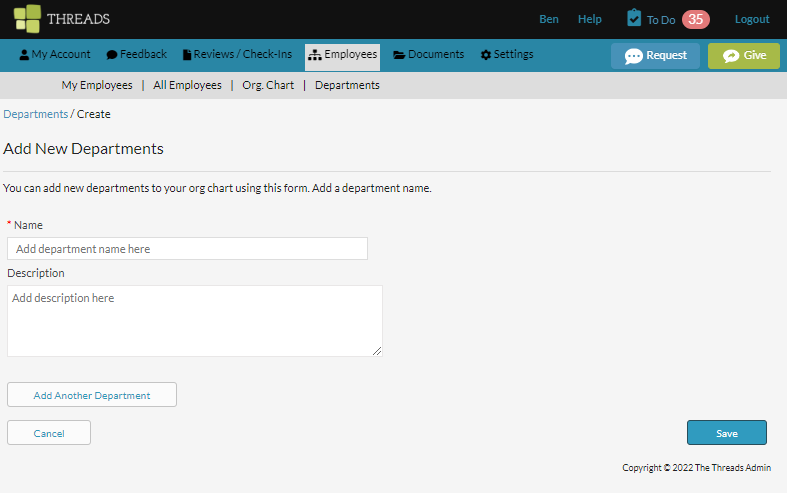
Select “Add New” to add a new department.
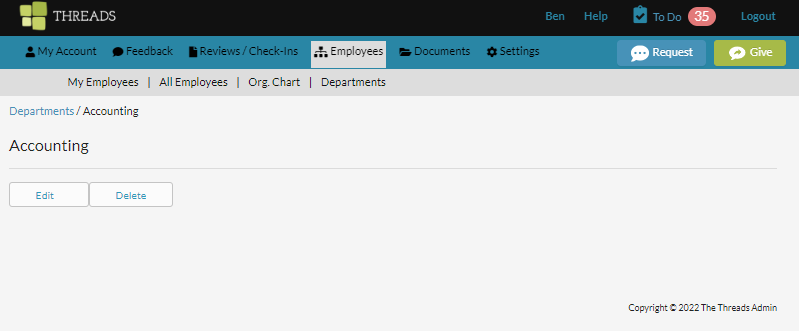
Or select on the department name from the list to view the department. Once it is open, you can select the “Edit” button to make changes.
0 Comments