As an admin user, to add a new vacant position, you must first have the job description in Threads. See the article on “Create a Job Description” if needed.
To add the vacant position, go to "Employees" in the main navigation and then select "Org Chart" in the sub navigation. Expand the bar called “Active Jobs” on the bottom to select and drag the position to the appropriate spot on your org chart.
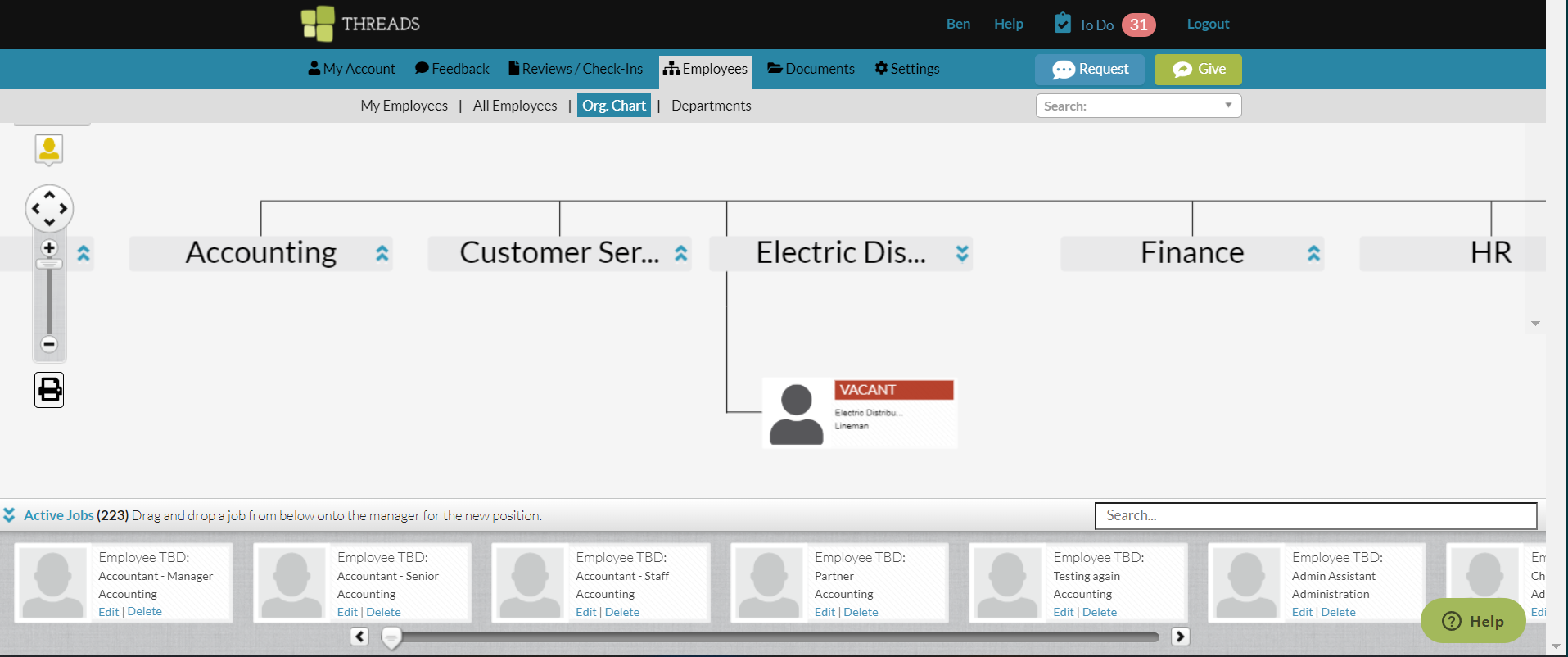
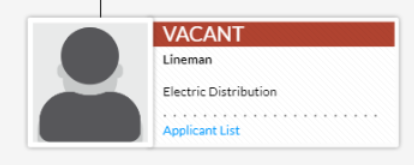
You now have a vacant position available and can assign a new employee within the employee’s profile or a new applicant by clicking on the vacant position and selecting the blue text called “Applicant list”.
0 Comments