Send welcome emails as soon as soon as your employees, job descriptions and first reviews have been created.
As an admin user, to send out an employee welcome email, go to "Employees" in the main navigation and select “All Employees” in the sub navigation. This will show all employees in your organization. Then select all employees, or select individual employees using the checkbox next to their name(s). Then select the “Send Welcome Emails” button.

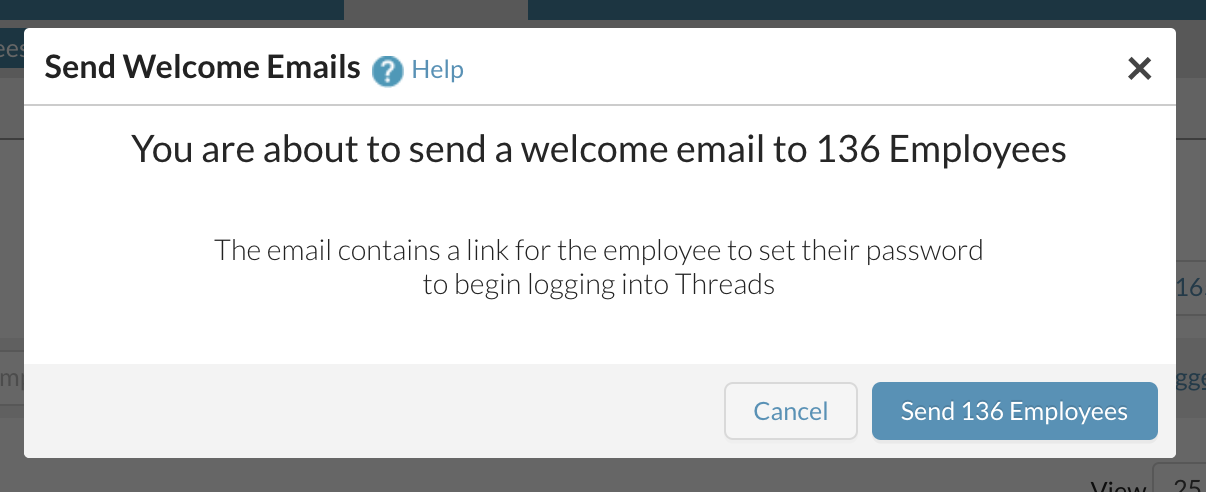
You will then be asked to confirm that you would like to send the welcome emails.
On the employee list in the history column, you will see when the welcome email was sent.

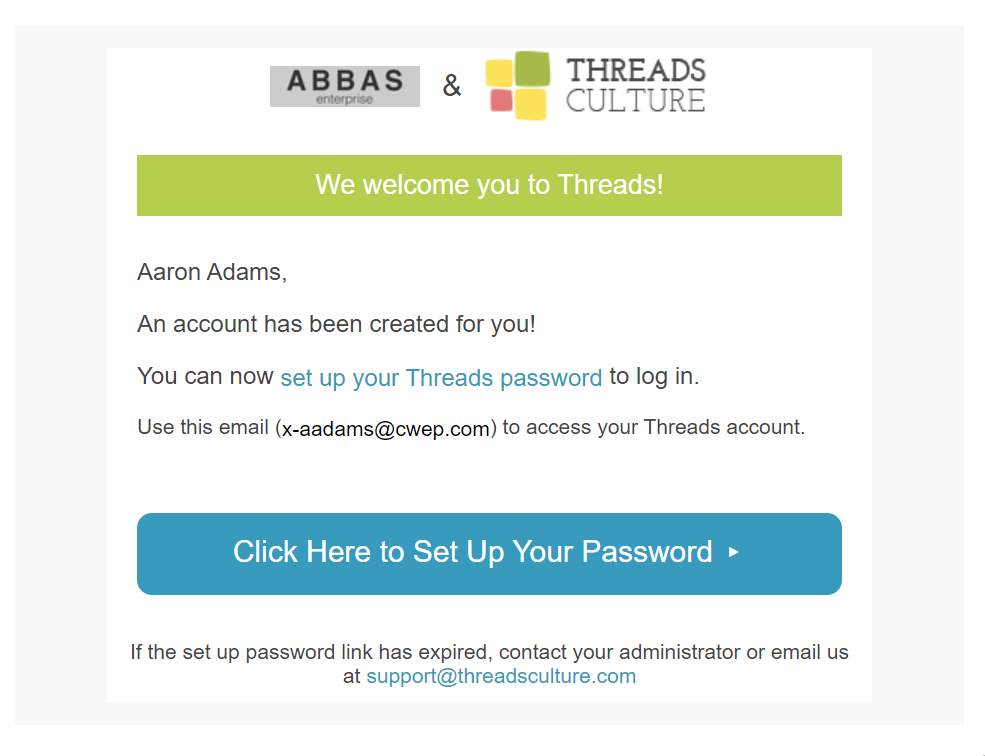
Here is the example of the welcome email that a user will receive:
0 Comments