As an admin user, you can view all the feedback that has ever been left in Threads by each employee. To do this, go to the main navigation and click on "feedback" and then "employee stats" in the sub navigation.

There are two views available:
The leaderboard view to show the top and bottom rankings by feedback type across all employees.

The list view can be accessed in the top right.

The list view shows all employees and their feedback stats allowing you to sort by ascending or descending order by type of feedback.

You can also hover over any employee's name or profile picture to see their specific feedback stats along with a quick link to their profile or to give them feedback yourself.

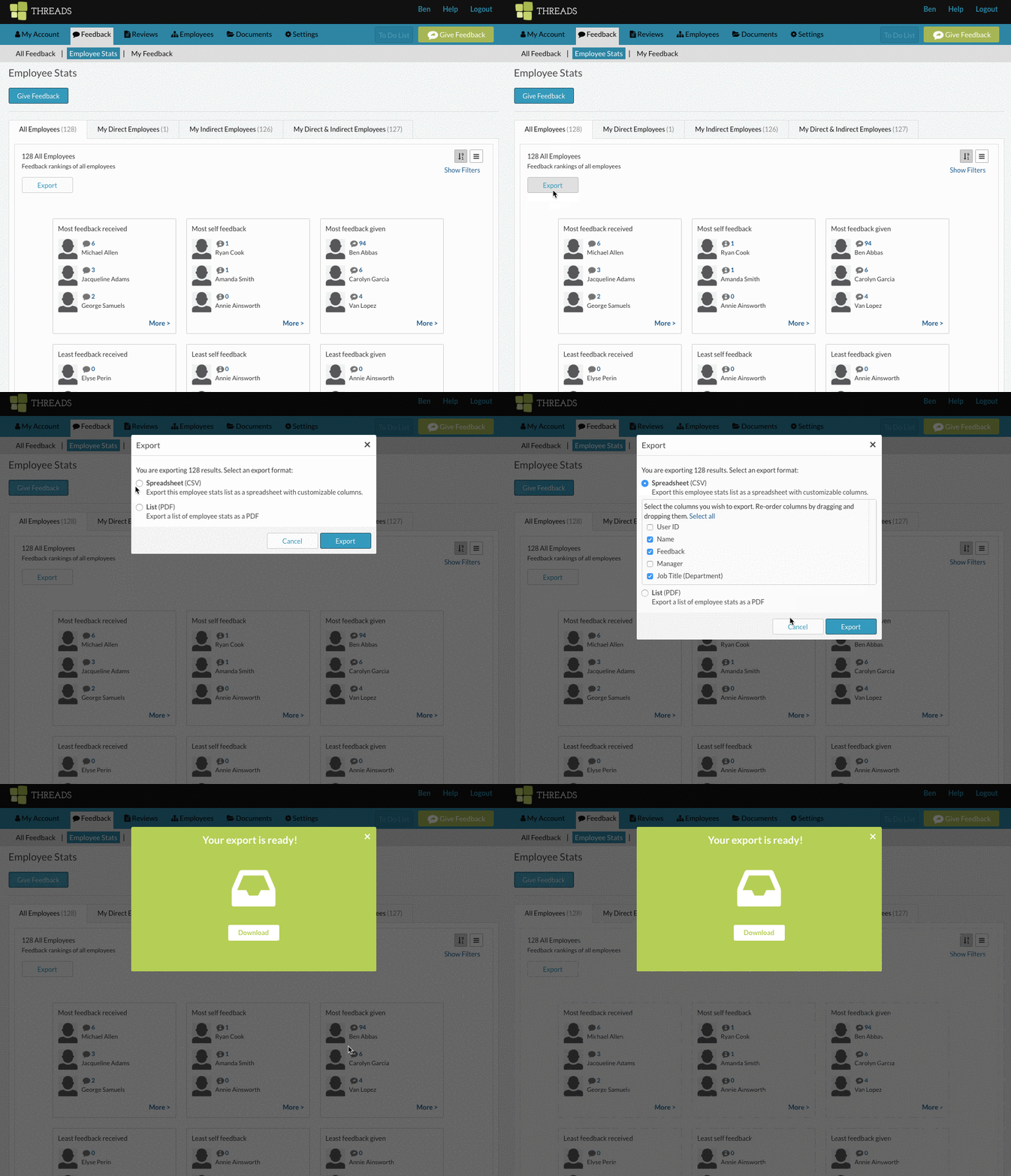
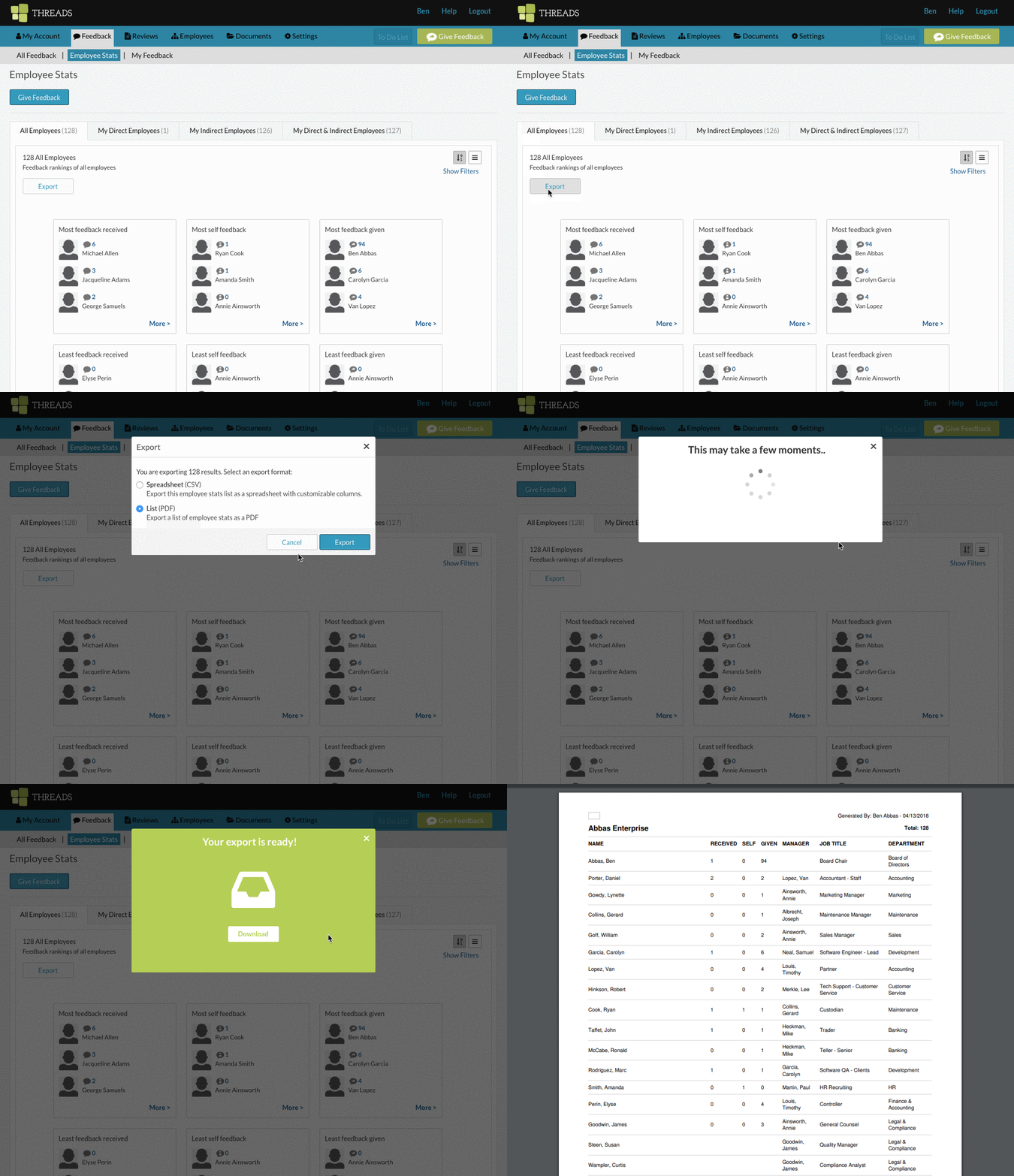
You can also export a PDF or a CSV of the data shown on the employee stats screen.
Here is how you can export a CSV and customize which data fields you would like:
Here is how you can export a PDF:
0 Comments