As an employee, you can view / edit / delete your self feedback all in one place.
Under "feedback", is the "My Feedback" list. The second tab shows all the self feedback you have ever given.

To the right of each self feedback, there will be a pencil (edit) and an "x" (delete) button. Editing and Deleting is available for 30 days after you have given the feedback. After that time, if you need to make a change, you will need to contact your administrator user of Threads.

Click on the pencil to open the edit window. Make your changes and select "Save".

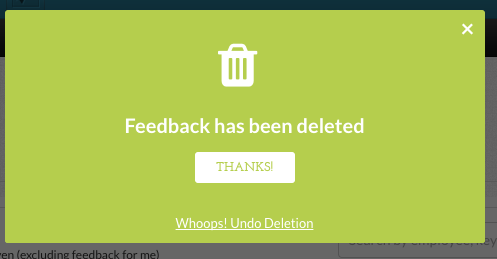
Click on the "x" button to delete your feedback.

Also see, "How do I leave / give feedback for others and myself?" and "How do I view / edit / delete the feedback I have given?"
0 Comments