As an admin, you can customize how strict you want your users passwords to be and even enforce scheduled password rotation (how frequently users need to change their passwords).
To setup your Threads app password policy:

Click the "Settings" in the top menu (you must be logged in as an admin user)

Then select "Company Settings"
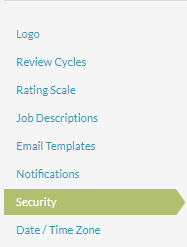
On the left hand menu, click Security
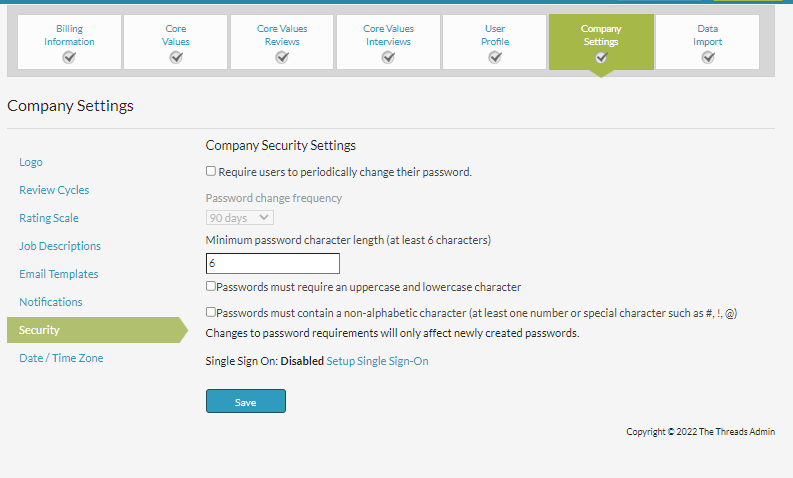
On the security page, you'll have the option set a minimum character length, require special or combined uppercase lowercase characters, and add a password rotation schedule. Make sure to select "Save" at the bottom of the screen to save your changes.
0 Comments